✨ MOTAS-EL Scoring Tracker & Graphing Dashboard – Excel & Google Sheets ✨
Stop juggling paper scoring sheets or manually calculating totals. This MOTAS-EL scoring and analytics system brings scoring, tracking, and visual insights together in one fully automated Excel/Google Sheets workbook—so you can focus on assessment and reporting, not spreadsheets.
Designed for BCBAs, early intervention clinicians, and educators working with early learners, this tool is intuitive even for spreadsheet beginners, with built-in safeguards to prevent scoring errors and instantly generate meaningful dashboards.
📂 What’s Included (4 Tabs)
⚙️ 1. Set Up Tab
Customize the system to fit your practice:
Edit domain names (Early Learner domains)
Adjust score labels and thresholds (e.g., Not Applicable, Emerging, Prompted, Independent, etc.)
Customize reporting terminology
Dashboards and graphs update automatically based on your settings
📝 2. Assessment Tab (Domains & Skill IDs)
Your primary scoring workspace.
Structured to align with MOTAS-EL domain organization
Log up to 25 assessment dates horizontally
Enter scores using drop-downs (0–5) with automatic limits per skill
Built-in filters to view only selected domains on a given date
Clean layout with step-by-step PDF instruction guide included
Designed specifically for early learner milestone tracking, foundational communication skills, play skills, early social engagement, and beginning independence targets.
📊 Analytics & Dashboards
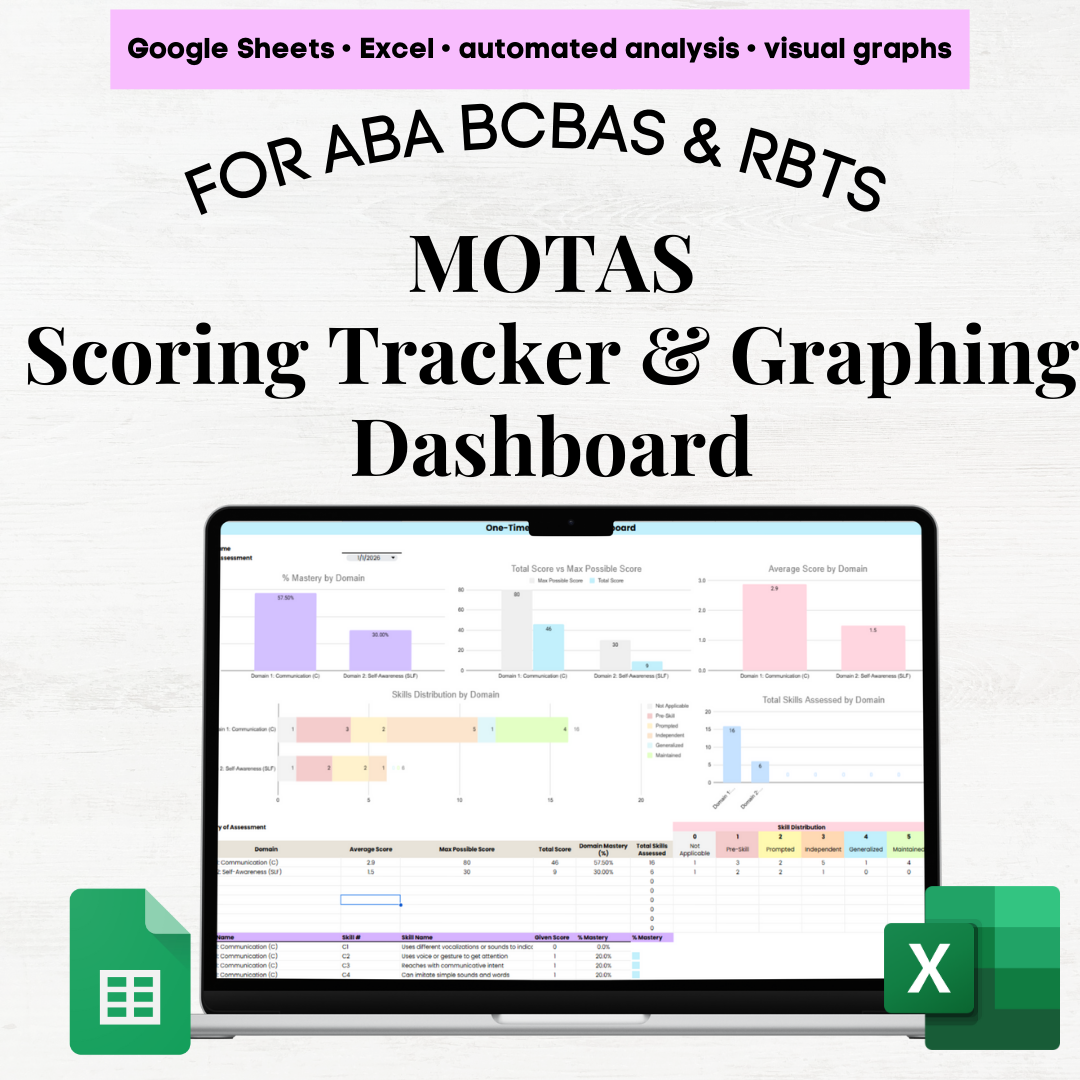
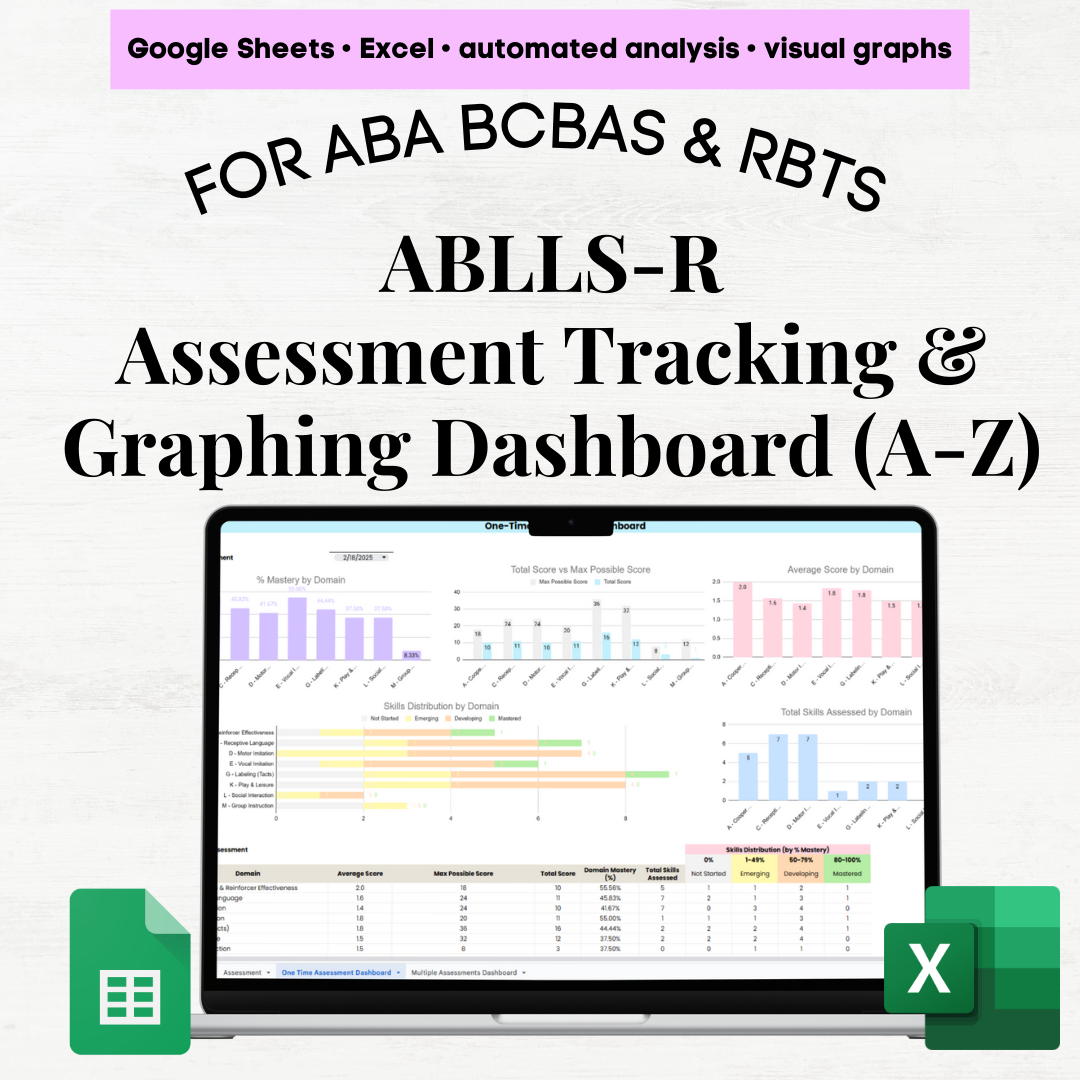
📈 3. One-Time Assessment Dashboard
Filter to a single assessment date and instantly view:
% mastery by domain (for domains assessed that day)
Total score vs maximum possible score
Average score by domain
Skill distribution by domain:
Not Applicable
Emerging
Prompted
Independent
Generalized
Maintained
Number of skills assessed per domain
Includes:
Perfect for evaluation summaries and caregiver meetings.
📉 4. Multiple Assessments Dashboard (Progress Over Time)
Designed for progress monitoring and reporting.
Section 1: Domain Focus
Filter a specific domain to see:
Section 2: Domain Comparison
Section 3: Assessment Volume
Number of skills assessed per domain
Total skill assessments completed over time
Summary table showing skills assessed per domain across assessment dates
💡 Why You’ll Love It
All-in-one MOTAS-EL scoring grid, tracking sheets, and dashboards
No more manual scoring or calculations ✋
Automated % mastery, totals, averages, and distributions
Built-in score restrictions to prevent data entry errors
Clear, visual dashboards for reporting to caregivers, teams, and stakeholders
Works seamlessly in Excel & Google Sheets
Designed specifically for early intervention professionals and spreadsheet beginners
✨ MOTAS-EL Scoring Tracker & Graphing Dashboard – Excel & Google Sheets ✨
Stop juggling paper scoring sheets or manually calculating totals. This MOTAS-EL scoring and analytics system brings scoring, tracking, and visual insights together in one fully automated Excel/Google Sheets workbook—so you can focus on assessment and reporting, not spreadsheets.
Designed for BCBAs, early intervention clinicians, and educators working with early learners, this tool is intuitive even for spreadsheet beginners, with built-in safeguards to prevent scoring errors and instantly generate meaningful dashboards.
📂 What’s Included (4 Tabs)
⚙️ 1. Set Up Tab
Customize the system to fit your practice:
Edit domain names (Early Learner domains)
Adjust score labels and thresholds (e.g., Not Applicable, Emerging, Prompted, Independent, etc.)
Customize reporting terminology
Dashboards and graphs update automatically based on your settings
📝 2. Assessment Tab (Domains & Skill IDs)
Your primary scoring workspace.
Structured to align with MOTAS-EL domain organization
Log up to 25 assessment dates horizontally
Enter scores using drop-downs (0–5) with automatic limits per skill
Built-in filters to view only selected domains on a given date
Clean layout with step-by-step PDF instruction guide included
Designed specifically for early learner milestone tracking, foundational communication skills, play skills, early social engagement, and beginning independence targets.
📊 Analytics & Dashboards
📈 3. One-Time Assessment Dashboard
Filter to a single assessment date and instantly view:
% mastery by domain (for domains assessed that day)
Total score vs maximum possible score
Average score by domain
Skill distribution by domain:
Not Applicable
Emerging
Prompted
Independent
Generalized
Maintained
Number of skills assessed per domain
Includes:
Perfect for evaluation summaries and caregiver meetings.
📉 4. Multiple Assessments Dashboard (Progress Over Time)
Designed for progress monitoring and reporting.
Section 1: Domain Focus
Filter a specific domain to see:
Section 2: Domain Comparison
Section 3: Assessment Volume
Number of skills assessed per domain
Total skill assessments completed over time
Summary table showing skills assessed per domain across assessment dates
💡 Why You’ll Love It
All-in-one MOTAS-EL scoring grid, tracking sheets, and dashboards
No more manual scoring or calculations ✋
Automated % mastery, totals, averages, and distributions
Built-in score restrictions to prevent data entry errors
Clear, visual dashboards for reporting to caregivers, teams, and stakeholders
Works seamlessly in Excel & Google Sheets
Designed specifically for early intervention professionals and spreadsheet beginners

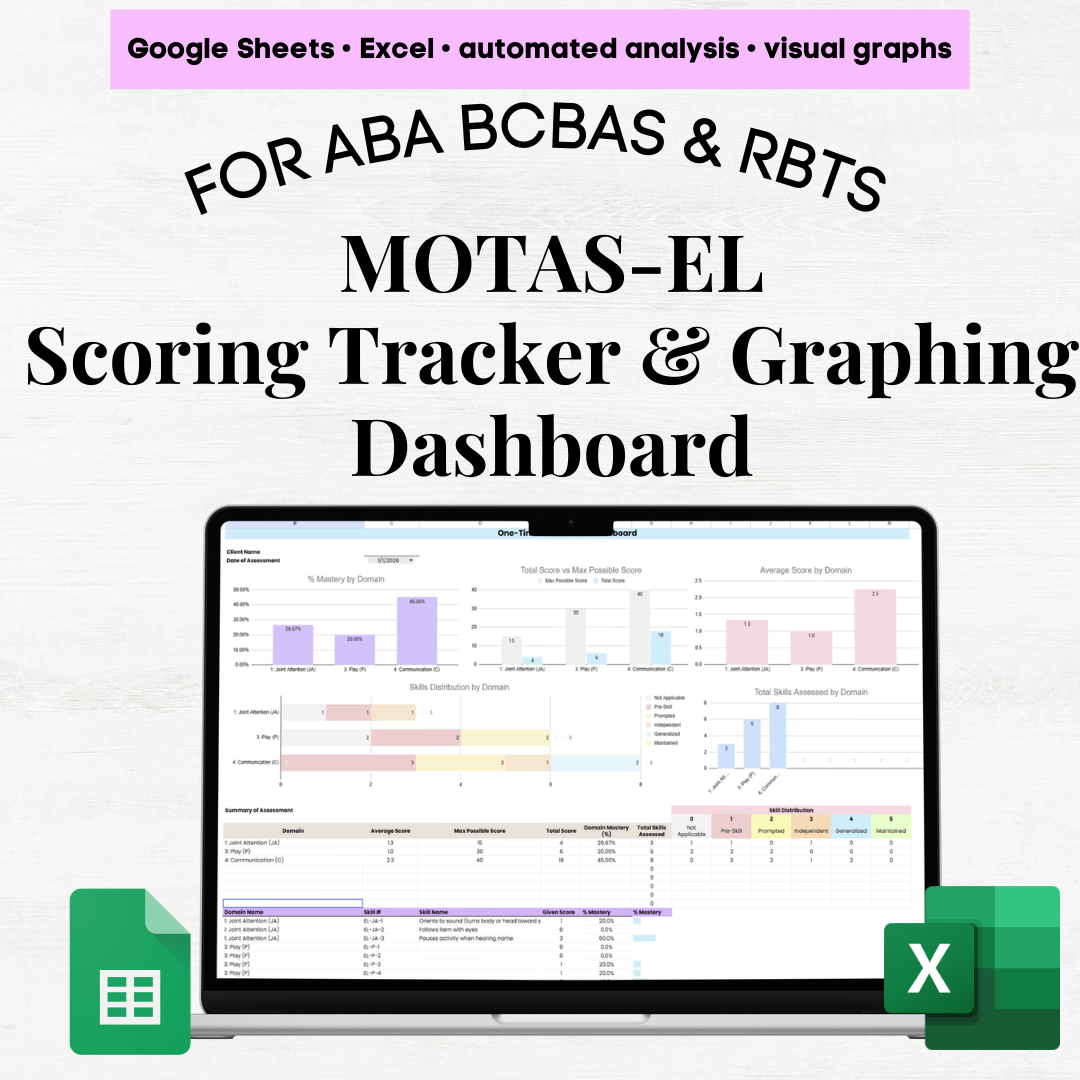 Image 1 of 11
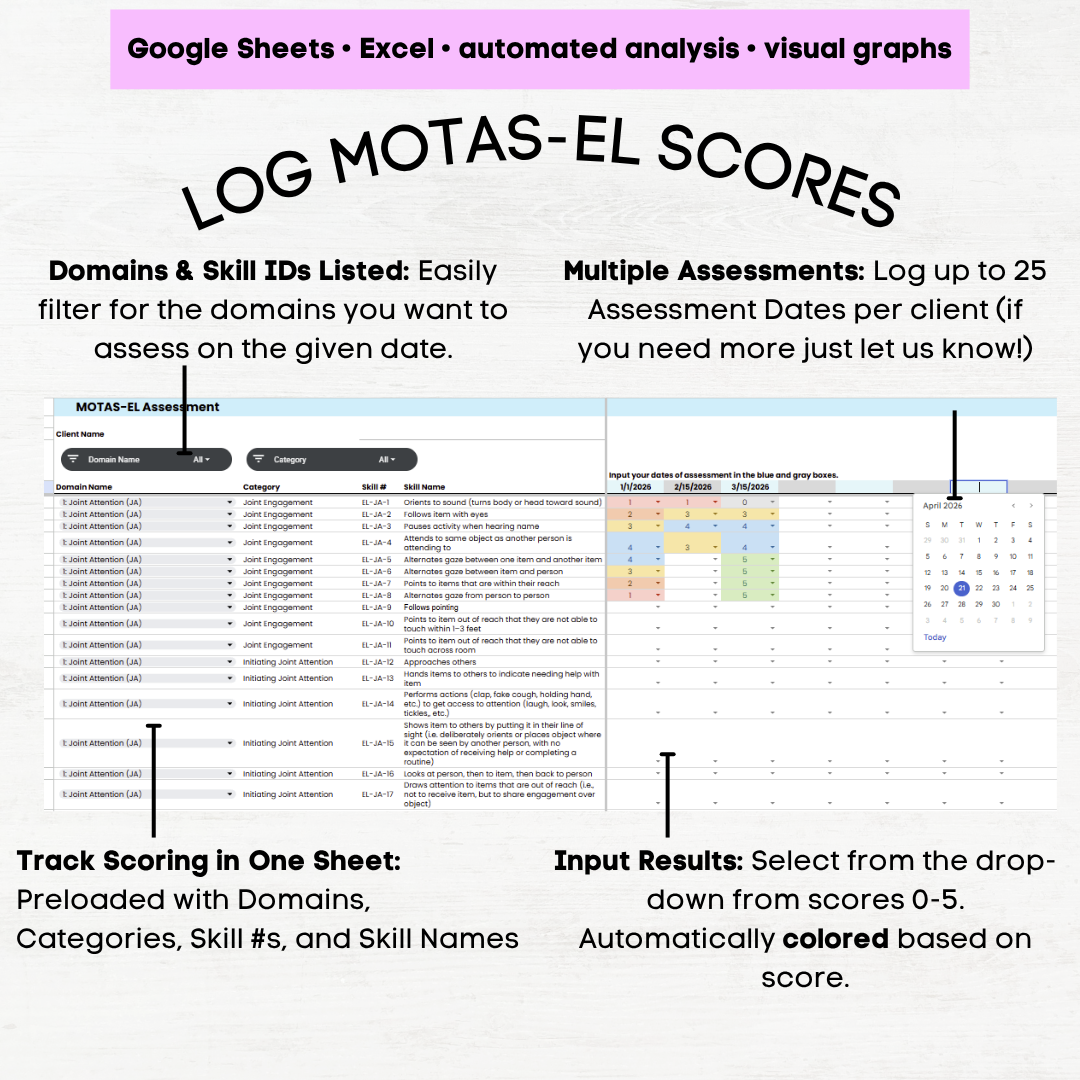 Image 2 of 11
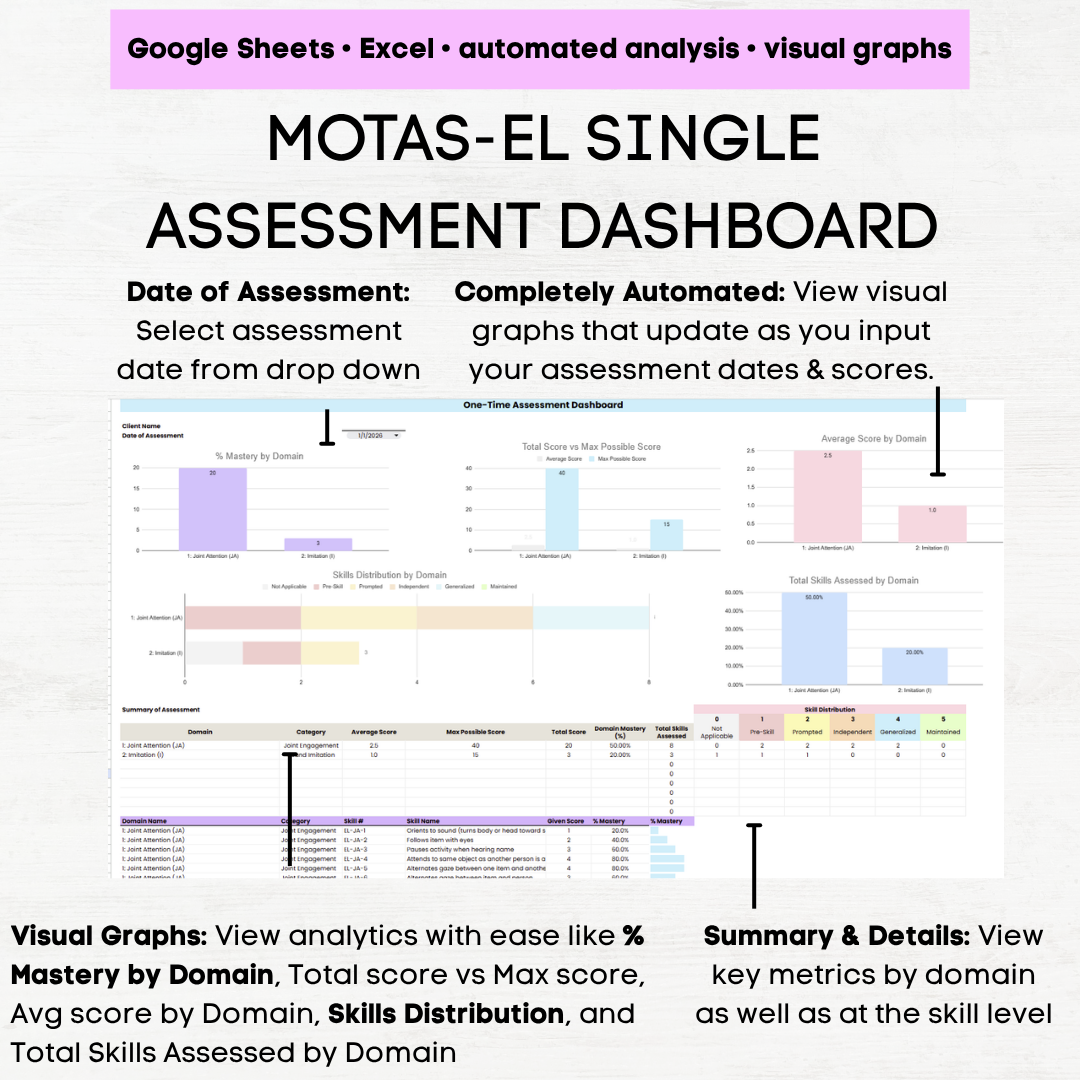 Image 3 of 11
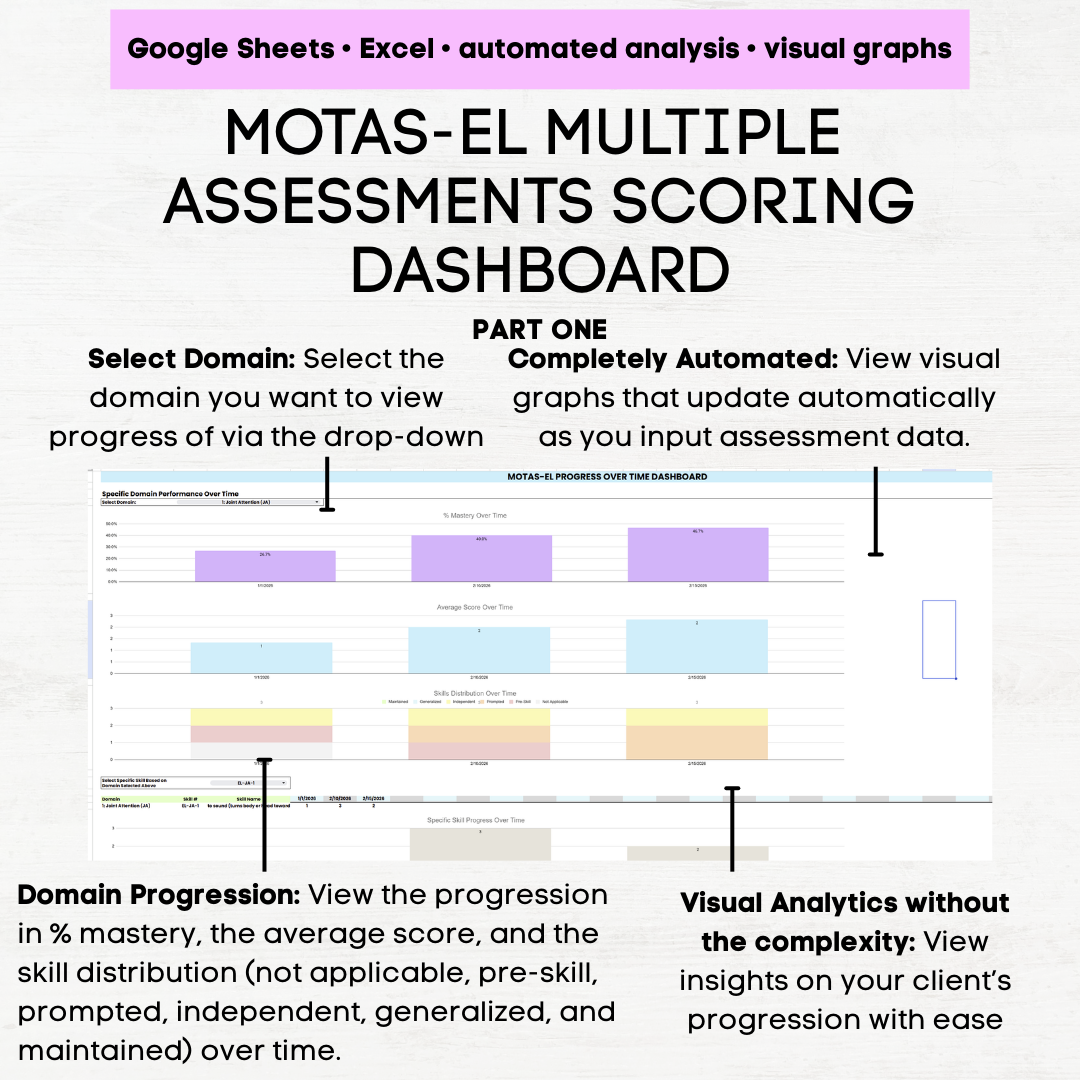 Image 4 of 11
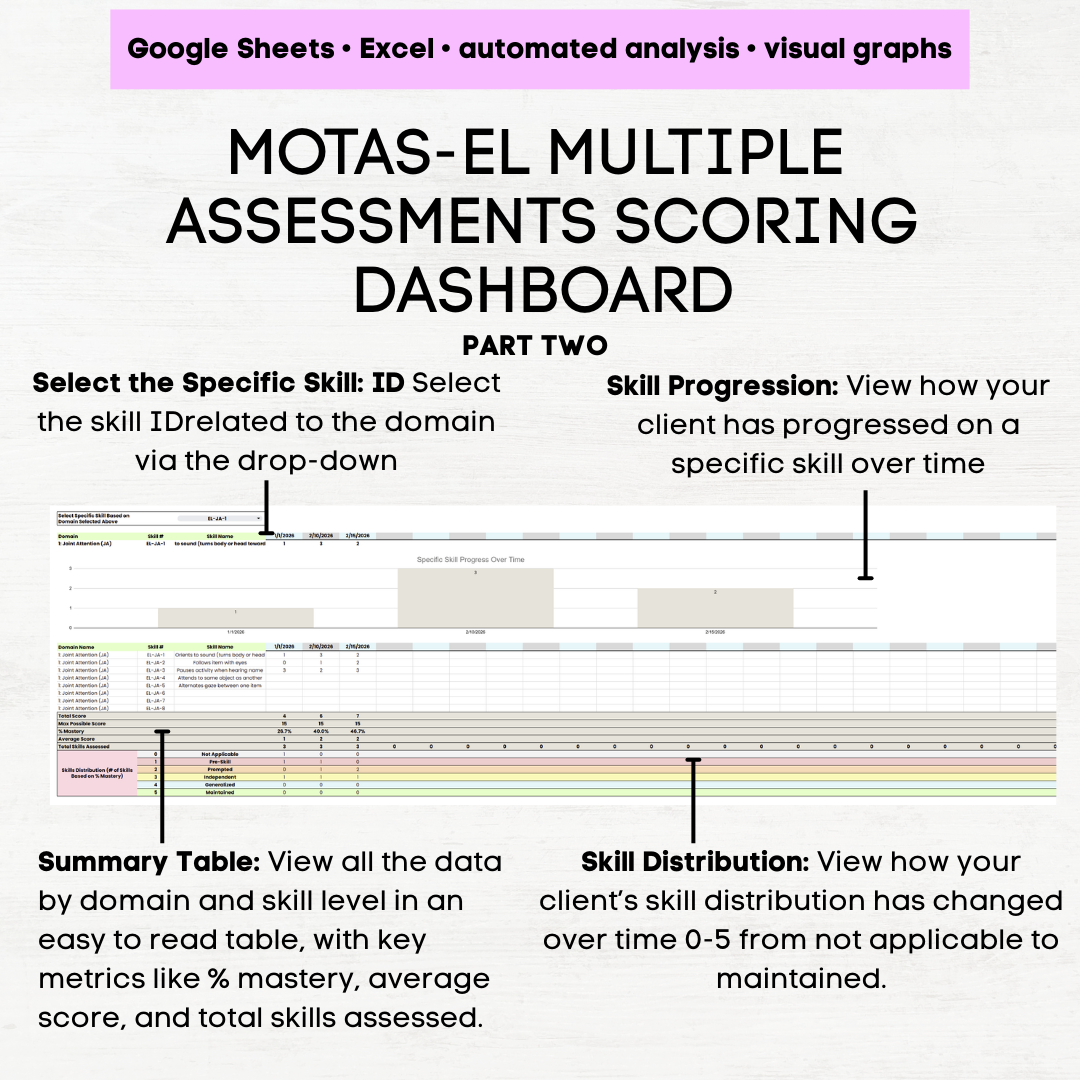 Image 5 of 11
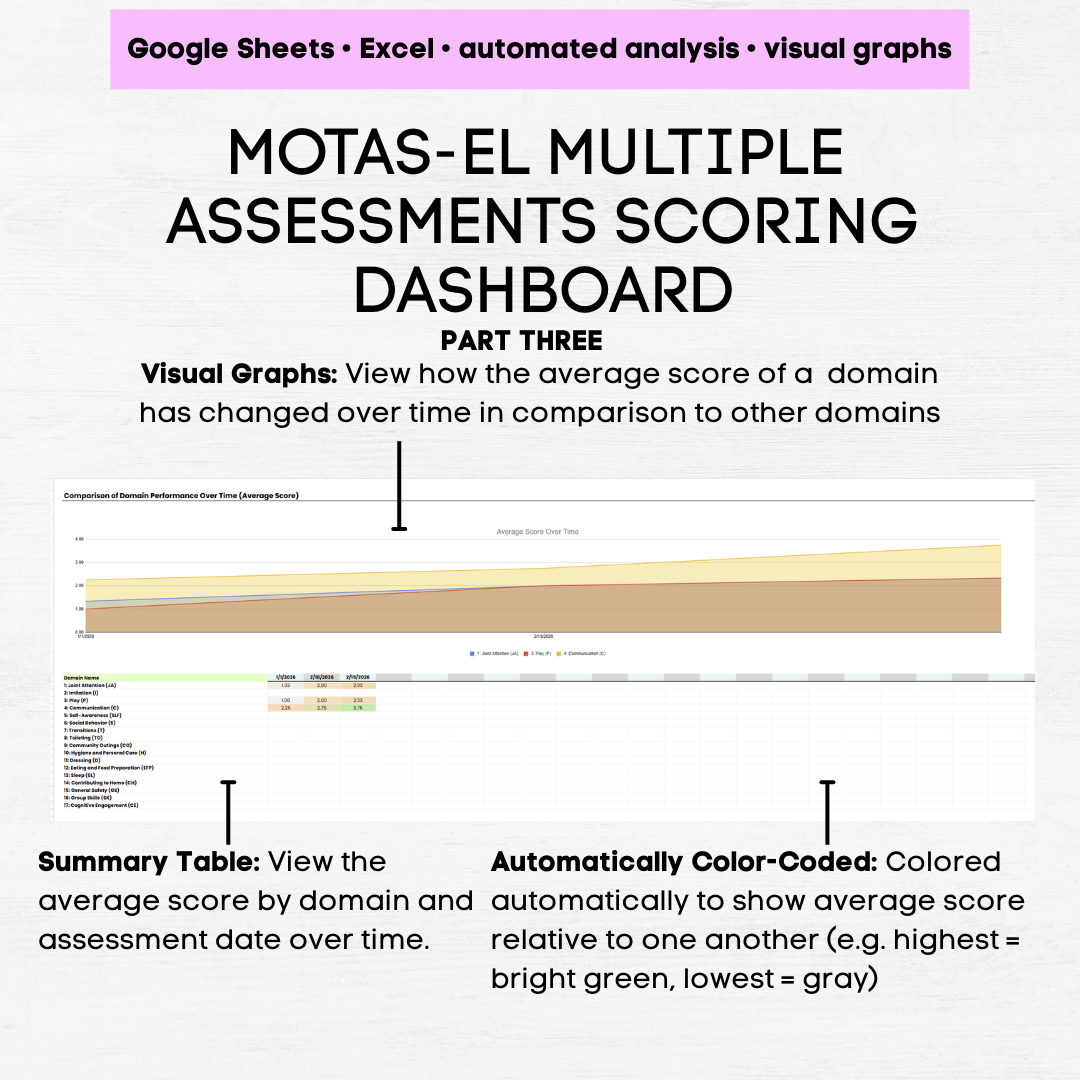 Image 6 of 11
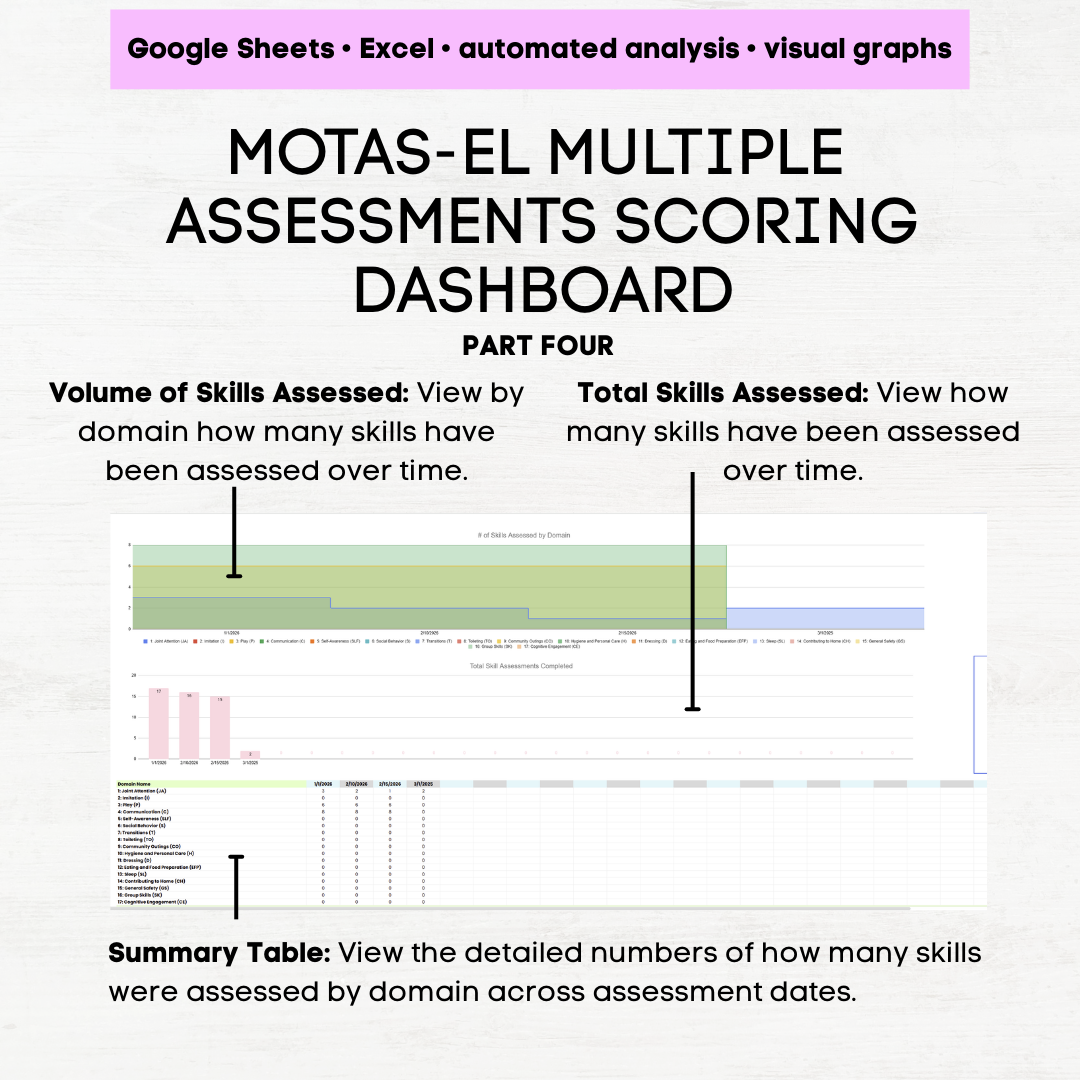 Image 7 of 11
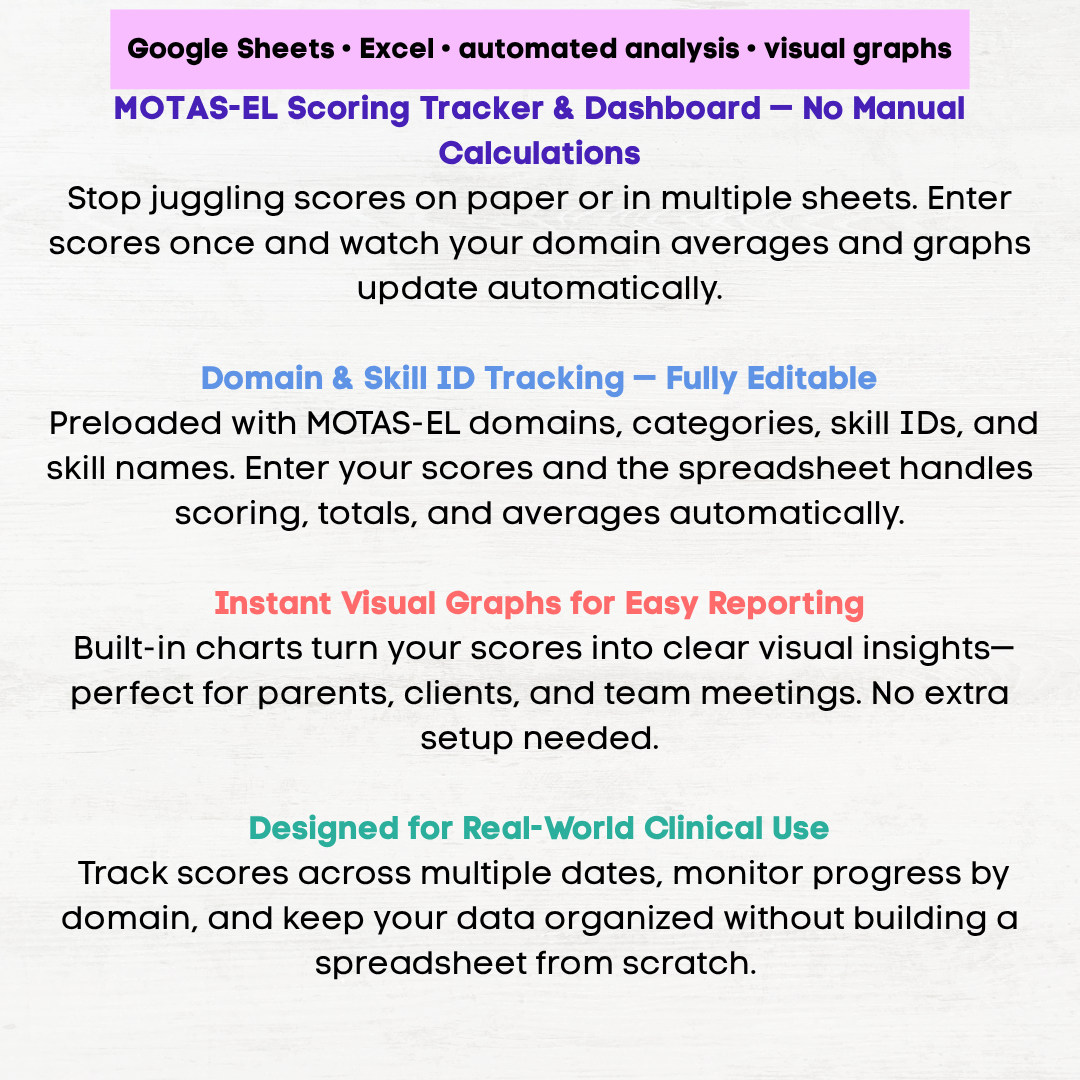 Image 8 of 11
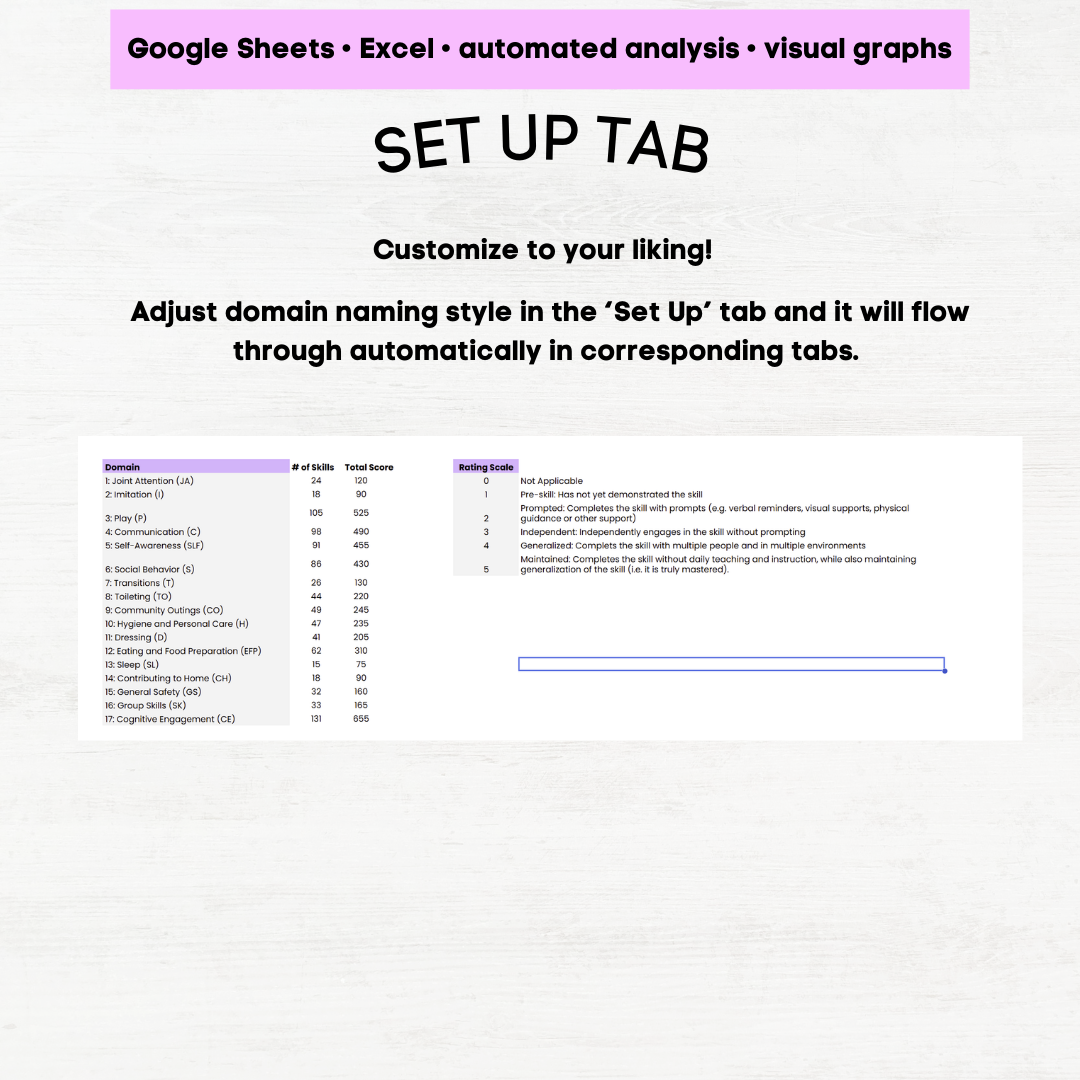 Image 9 of 11
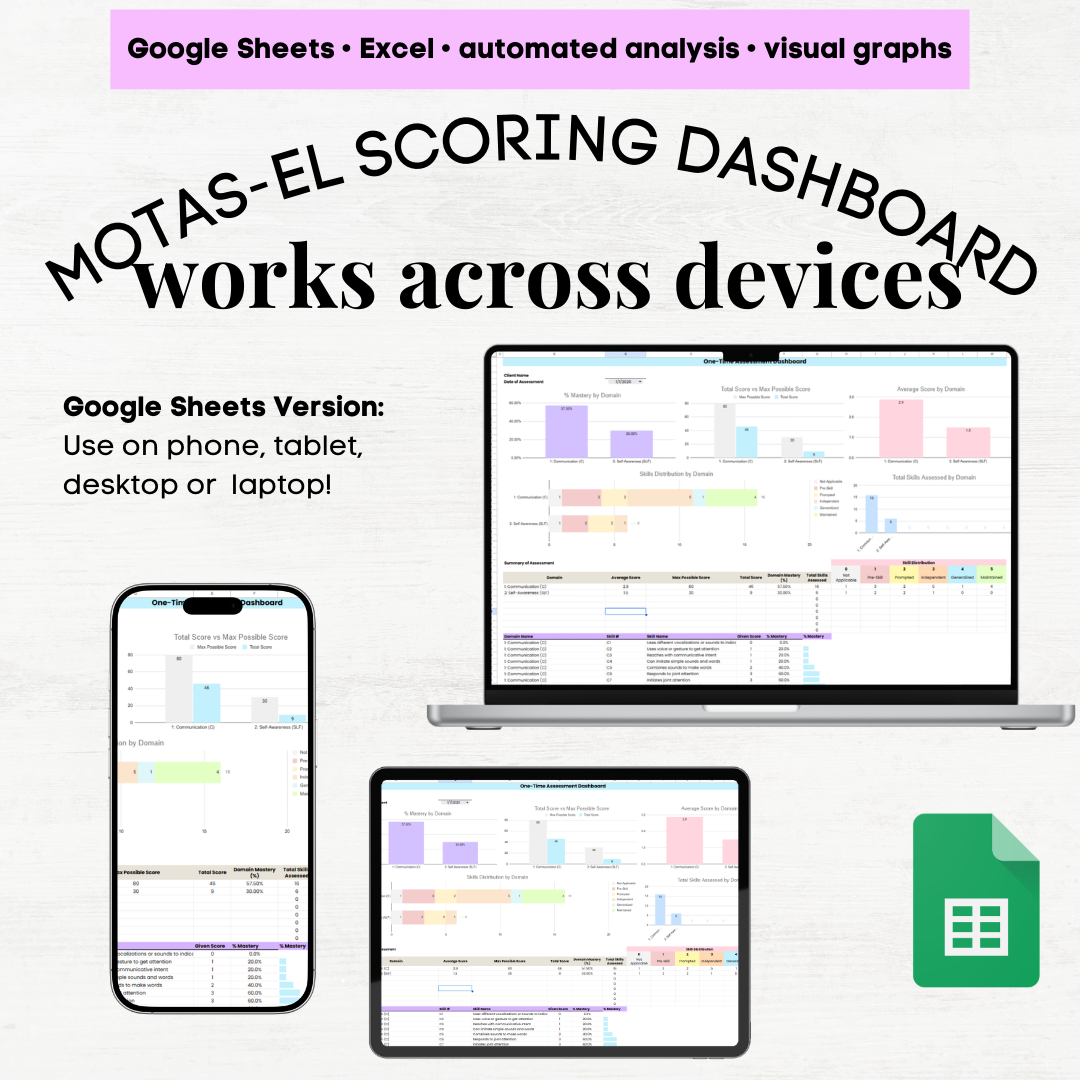 Image 10 of 11
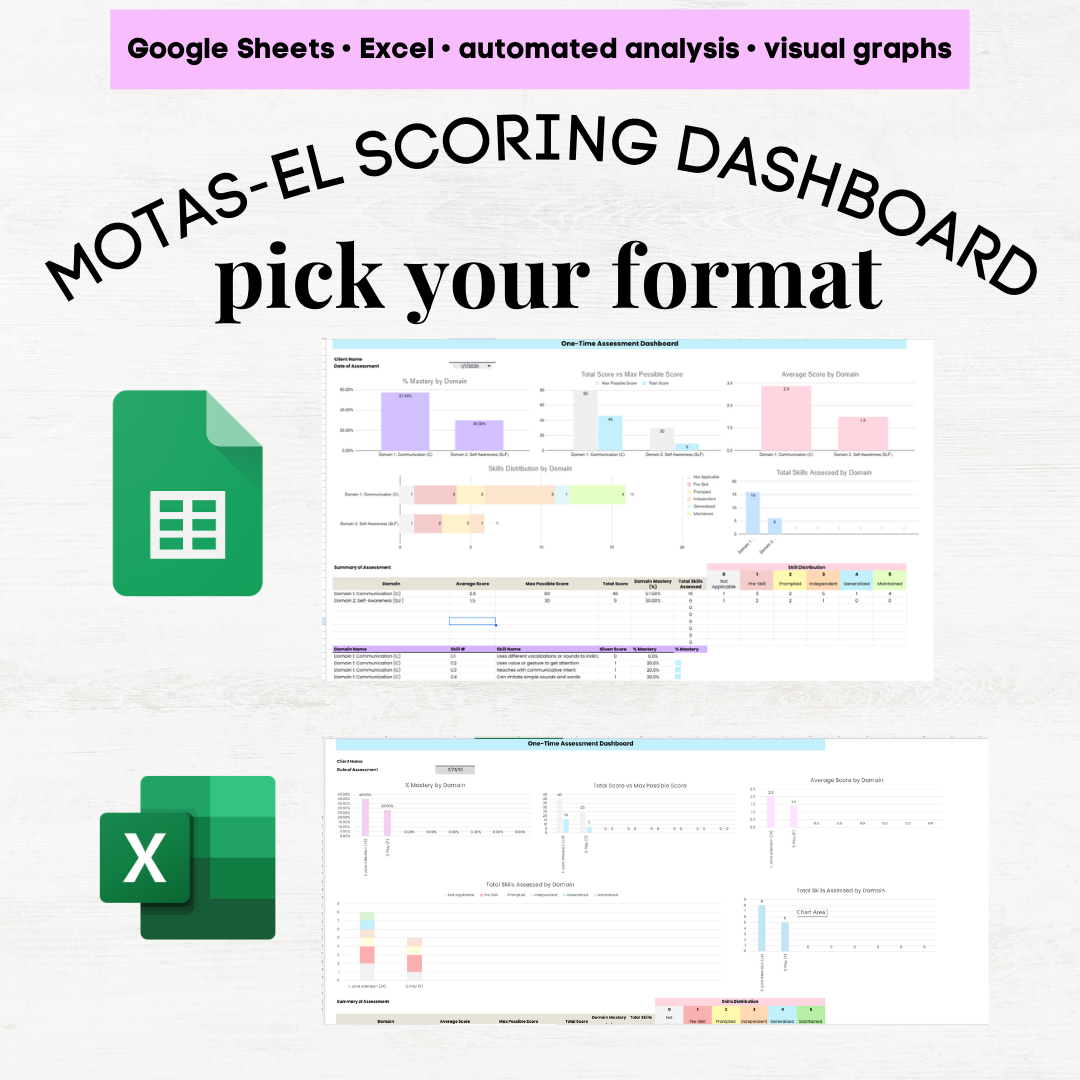 Image 11 of 11