✨ MOTAS Scoring Tracker & Graphing Dashboard – Excel & Google Sheets ✨
Stop juggling paper scoring sheets or manually calculating averages. This MOTAS scoring and analytics system brings scoring, tracking, and visual insights together in one fully automated Excel/Sheets workbook—so you can focus on assessment and reporting, not spreadsheets.
Designed for BCBAs, clinicians, and educators, this tool is intuitive even for spreadsheet beginners, with built-in safeguards to prevent scoring errors and instantly generate meaningful dashboards.
📂 What’s Included (4 Tabs)
⚙️ 1. Set Up Tab Customize the system to fit your practice:
Edit domain names and skill IDs
Adjust score labels and thresholds (e.g., Not Applicable, Pre-skill, Prompted, etc.)
Customize reporting terminology
Dashboards and graphs update automatically based on your settings
📝 2. Assessment Tab (Domains & Skill IDs) Your primary scoring workspace.
Includes all MOTAS domains and skill IDs and skill names
Log up to 25 assessment dates horizontally
Enter scores using drop-downs (0–5) with automatic limits per skill
Built-in filters to view only selected domains on a given date
Clean layout with step-by-step PDF instruction guide included
📊 Analytics & Dashboards
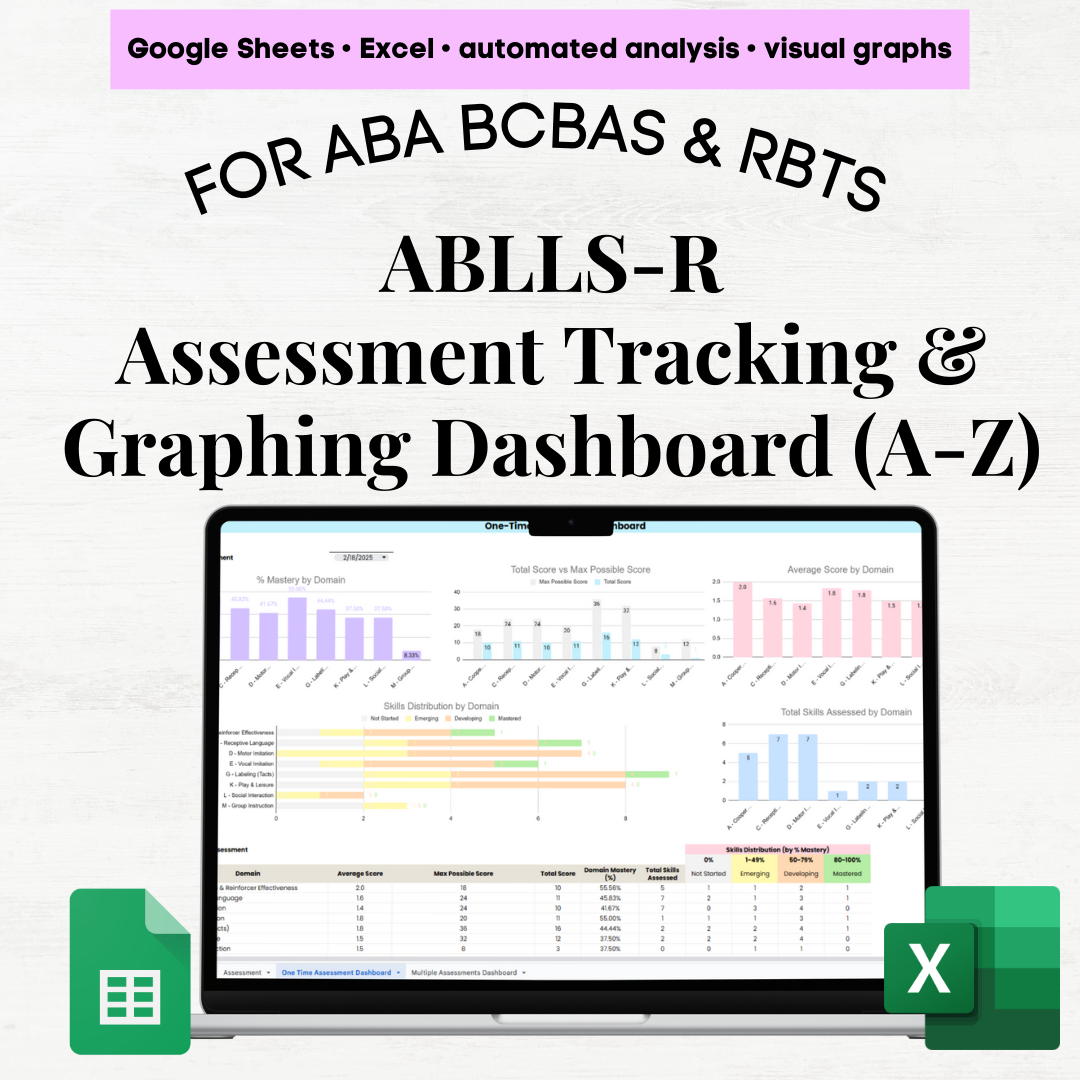
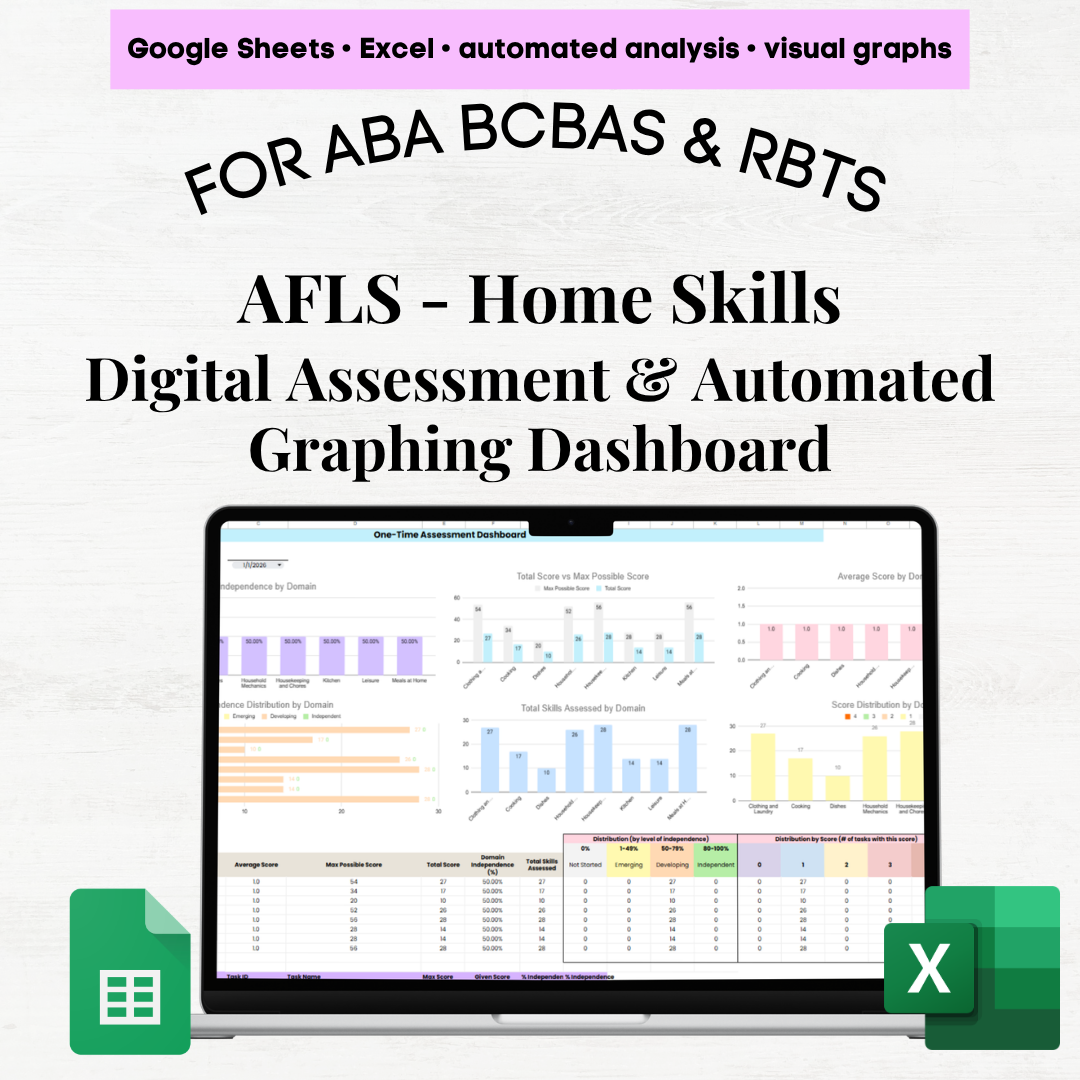
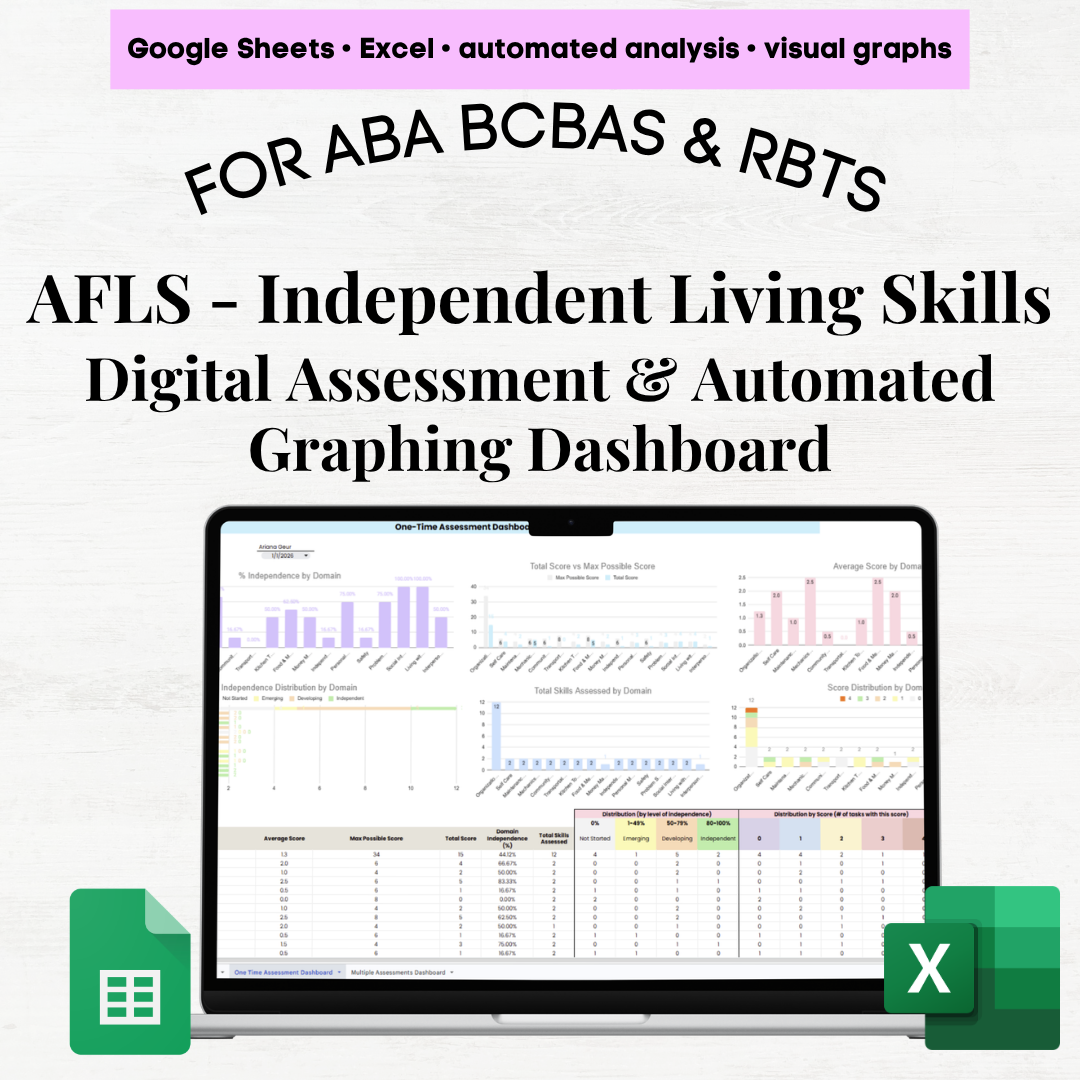
📈 3. One-Time Assessment Dashboard Filter to a single assessment date and instantly view:
% mastery by domain (for domains assessed that day)
Total score vs maximum possible score
Average score by domain
Skill distribution by domain: Not Applicable / Pre-Skill / Prompted / Independent / Generalized / Maintained
Number of skills assessed per domain
Includes: domain-level summary table + skill-level breakdown for deeper review
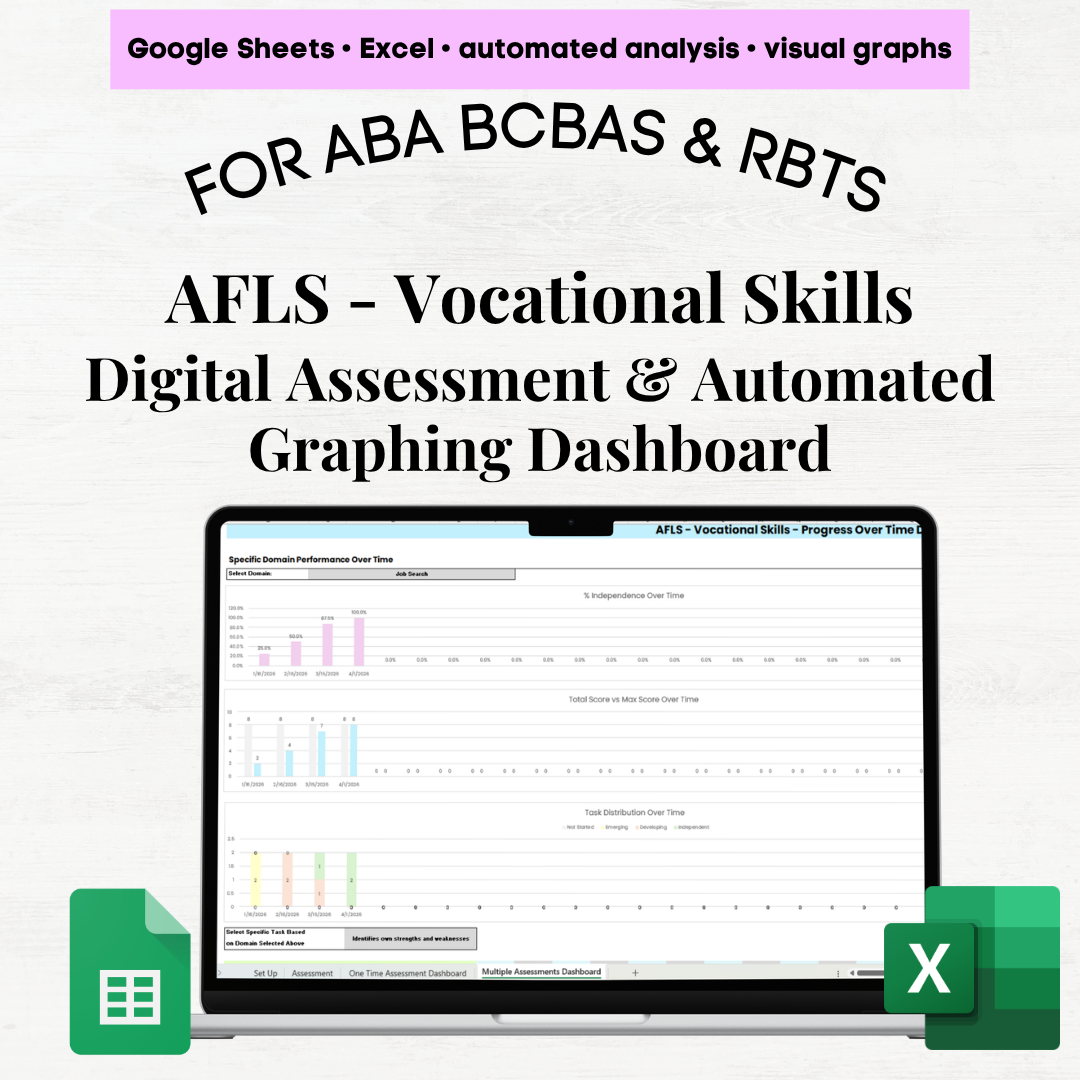
📉 4. Multiple Assessments Dashboard (Progress Over Time) Designed for progress monitoring and reporting.
Section 1: Domain Focus
Filter a specific domain to see:
% mastery over time
Average Score over time
Skill distribution trends
Progress of specific skills across assessment dates
Section 2: Domain Comparison
Section 3: Assessment Volume
Number of skills assessed per domain
Total skill assessments completed over time
Summary table showing skills assessed per domain across assessment dates
💡 Why You’ll Love It
All-in-one MOTAS scoring grid, tracking sheets, and dashboards
No more manual scoring or calculations ✋
Automated % mastery, totals, averages, and distributions
Built-in score restrictions to prevent data entry errors
Clear, visual dashboards for reporting to caregivers, teams, and stakeholders
Works seamlessly in Excel & Google Sheets
Designed for clinicians and spreadsheet beginner
✨ MOTAS Scoring Tracker & Graphing Dashboard – Excel & Google Sheets ✨
Stop juggling paper scoring sheets or manually calculating averages. This MOTAS scoring and analytics system brings scoring, tracking, and visual insights together in one fully automated Excel/Sheets workbook—so you can focus on assessment and reporting, not spreadsheets.
Designed for BCBAs, clinicians, and educators, this tool is intuitive even for spreadsheet beginners, with built-in safeguards to prevent scoring errors and instantly generate meaningful dashboards.
📂 What’s Included (4 Tabs)
⚙️ 1. Set Up Tab Customize the system to fit your practice:
Edit domain names and skill IDs
Adjust score labels and thresholds (e.g., Not Applicable, Pre-skill, Prompted, etc.)
Customize reporting terminology
Dashboards and graphs update automatically based on your settings
📝 2. Assessment Tab (Domains & Skill IDs) Your primary scoring workspace.
Includes all MOTAS domains and skill IDs and skill names
Log up to 25 assessment dates horizontally
Enter scores using drop-downs (0–5) with automatic limits per skill
Built-in filters to view only selected domains on a given date
Clean layout with step-by-step PDF instruction guide included
📊 Analytics & Dashboards
📈 3. One-Time Assessment Dashboard Filter to a single assessment date and instantly view:
% mastery by domain (for domains assessed that day)
Total score vs maximum possible score
Average score by domain
Skill distribution by domain: Not Applicable / Pre-Skill / Prompted / Independent / Generalized / Maintained
Number of skills assessed per domain
Includes: domain-level summary table + skill-level breakdown for deeper review
📉 4. Multiple Assessments Dashboard (Progress Over Time) Designed for progress monitoring and reporting.
Section 1: Domain Focus
Filter a specific domain to see:
% mastery over time
Average Score over time
Skill distribution trends
Progress of specific skills across assessment dates
Section 2: Domain Comparison
Section 3: Assessment Volume
Number of skills assessed per domain
Total skill assessments completed over time
Summary table showing skills assessed per domain across assessment dates
💡 Why You’ll Love It
All-in-one MOTAS scoring grid, tracking sheets, and dashboards
No more manual scoring or calculations ✋
Automated % mastery, totals, averages, and distributions
Built-in score restrictions to prevent data entry errors
Clear, visual dashboards for reporting to caregivers, teams, and stakeholders
Works seamlessly in Excel & Google Sheets
Designed for clinicians and spreadsheet beginner

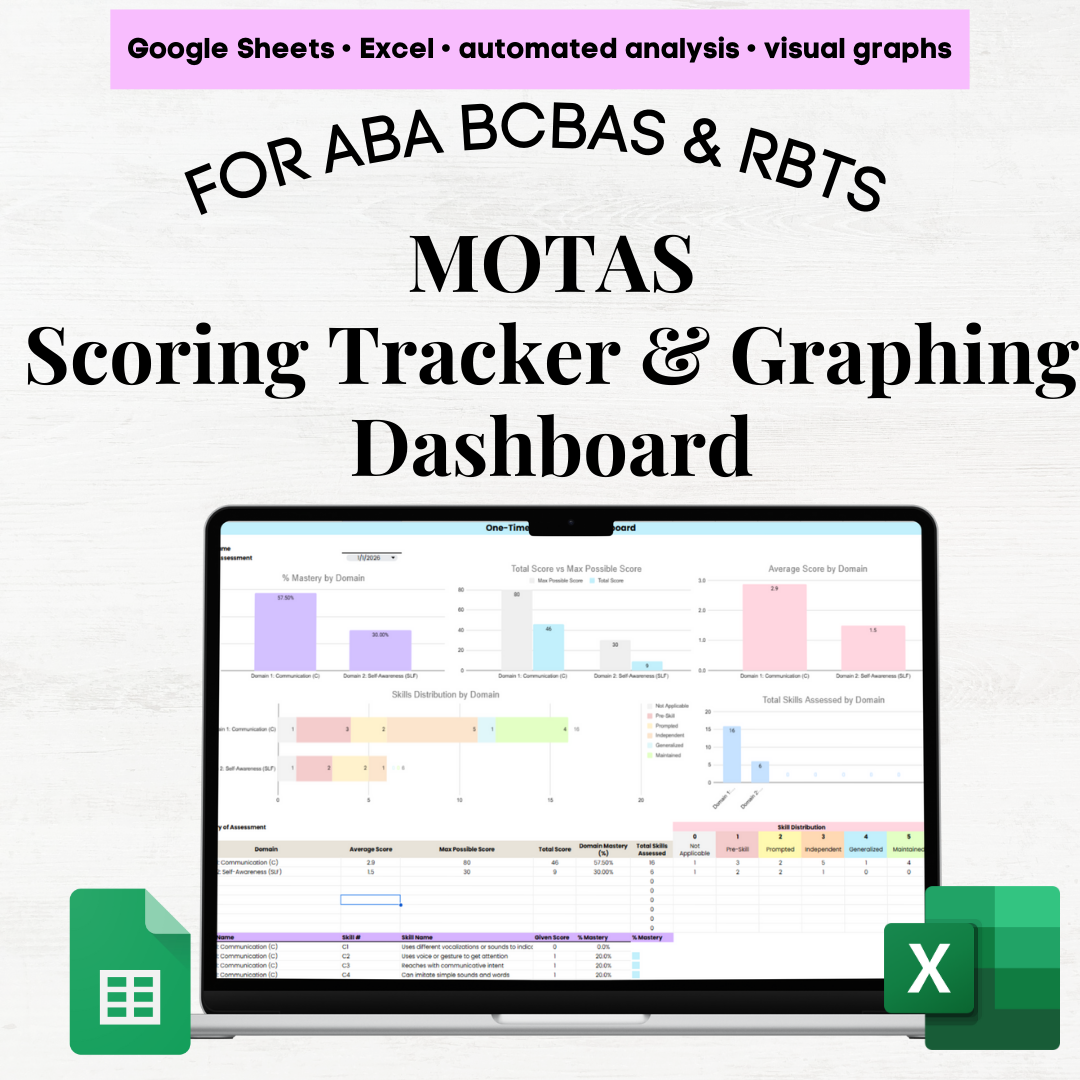 Image 1 of 11
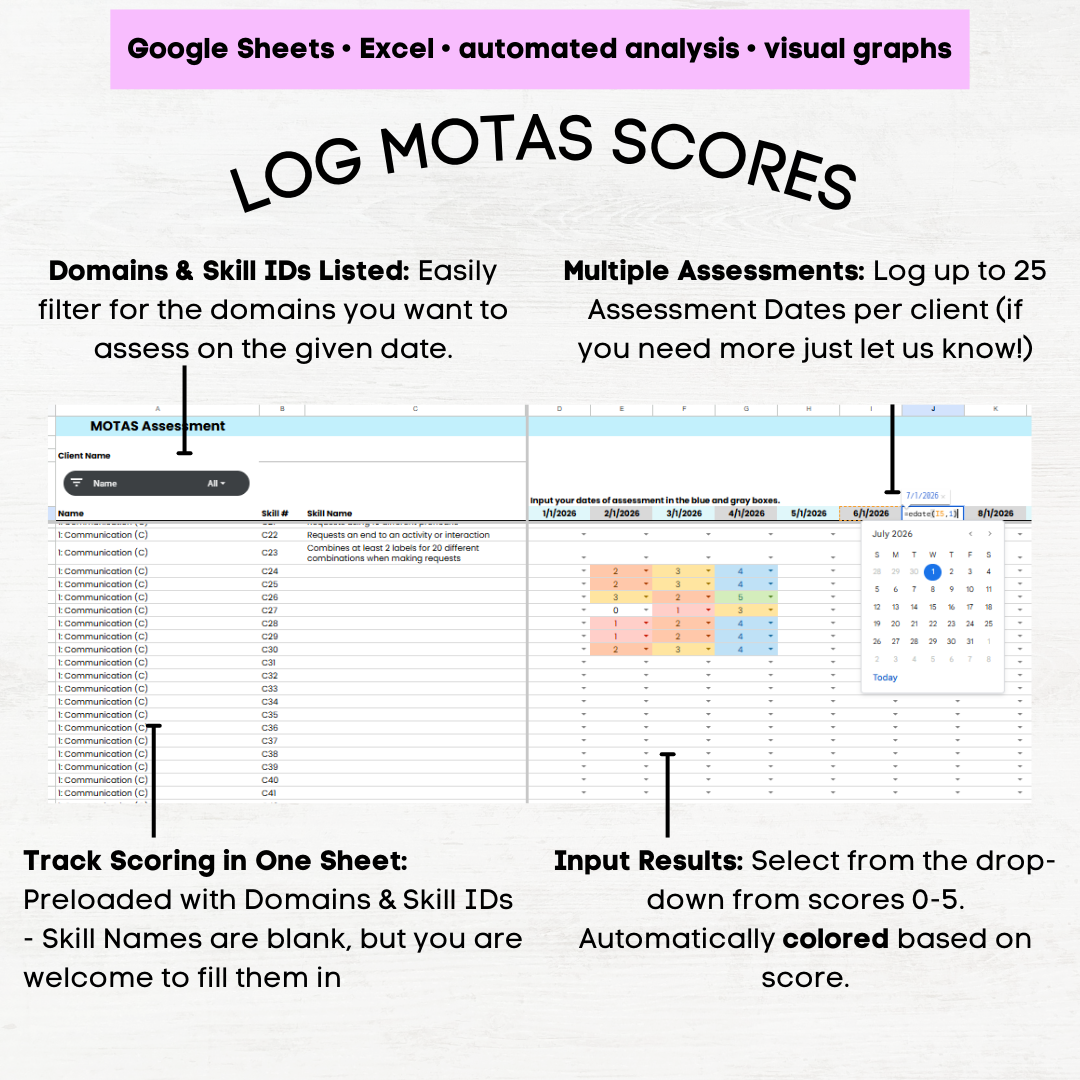 Image 2 of 11
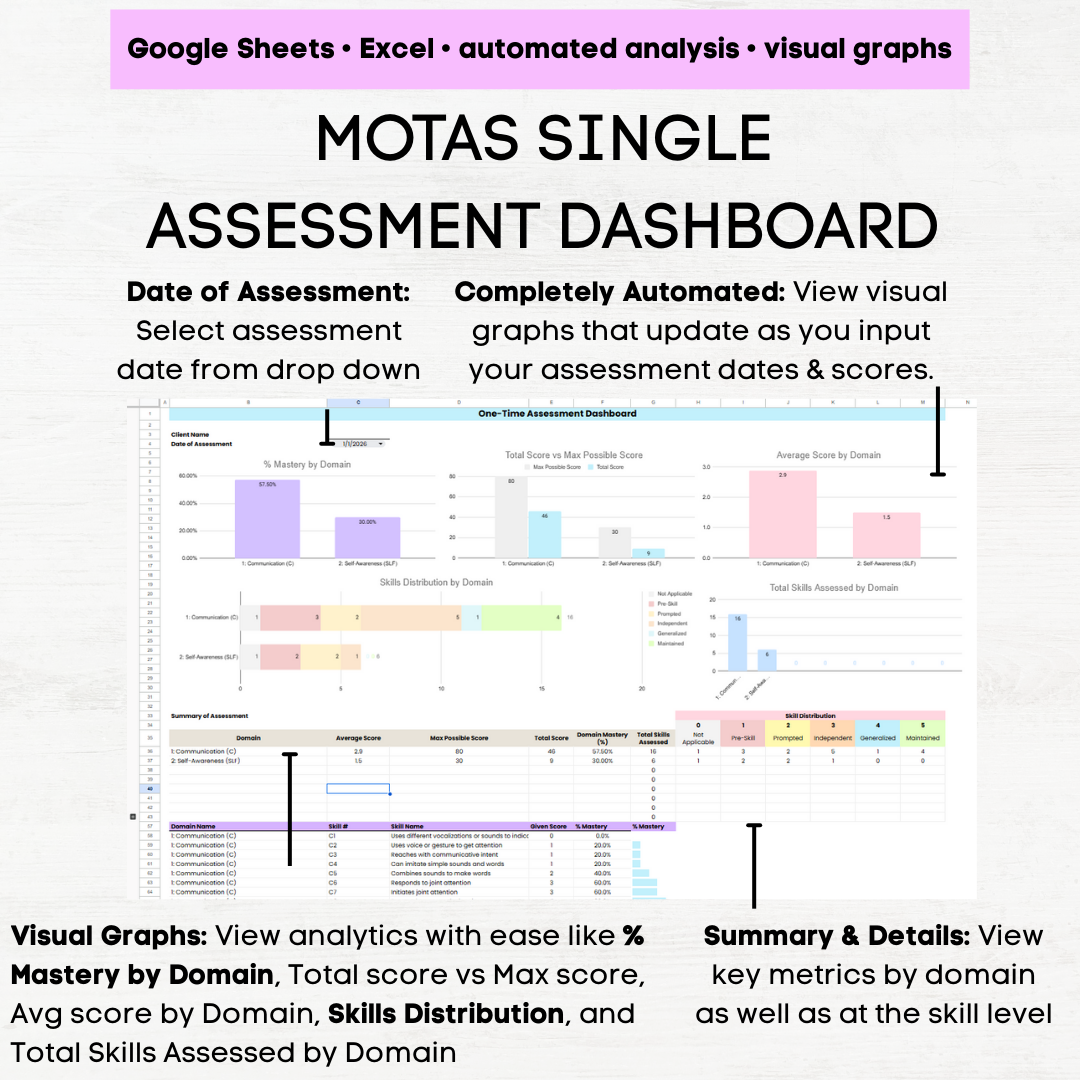 Image 3 of 11
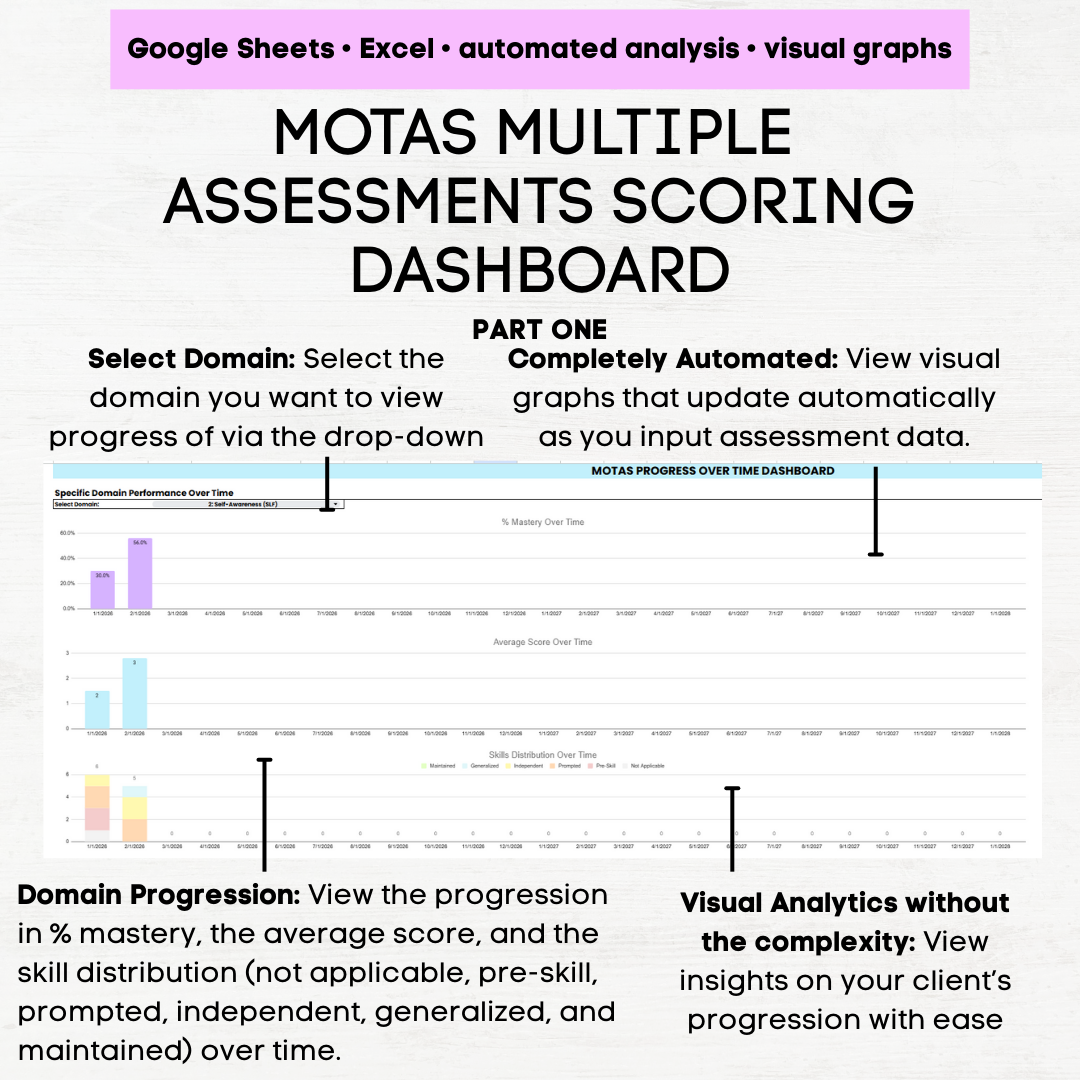 Image 4 of 11
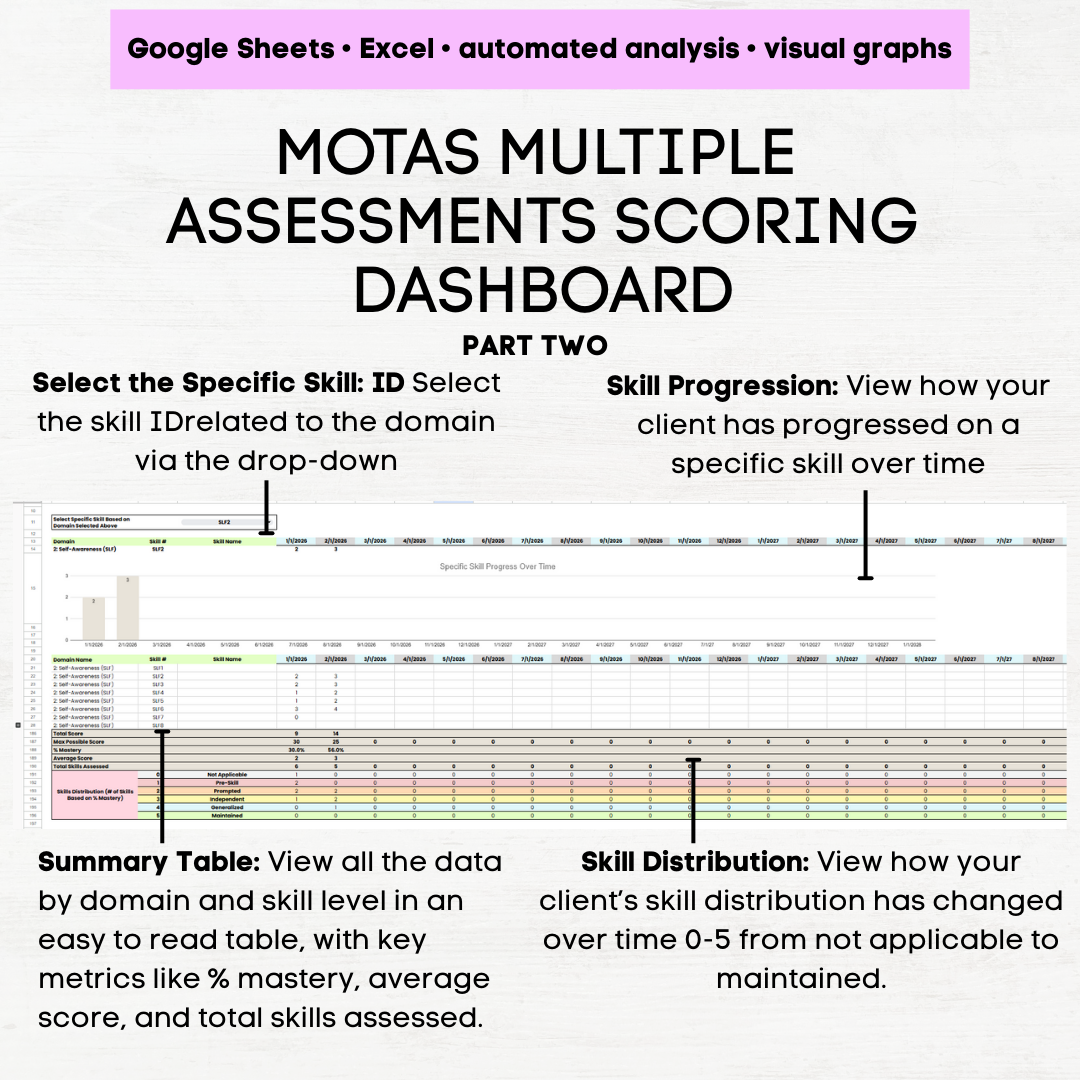 Image 5 of 11
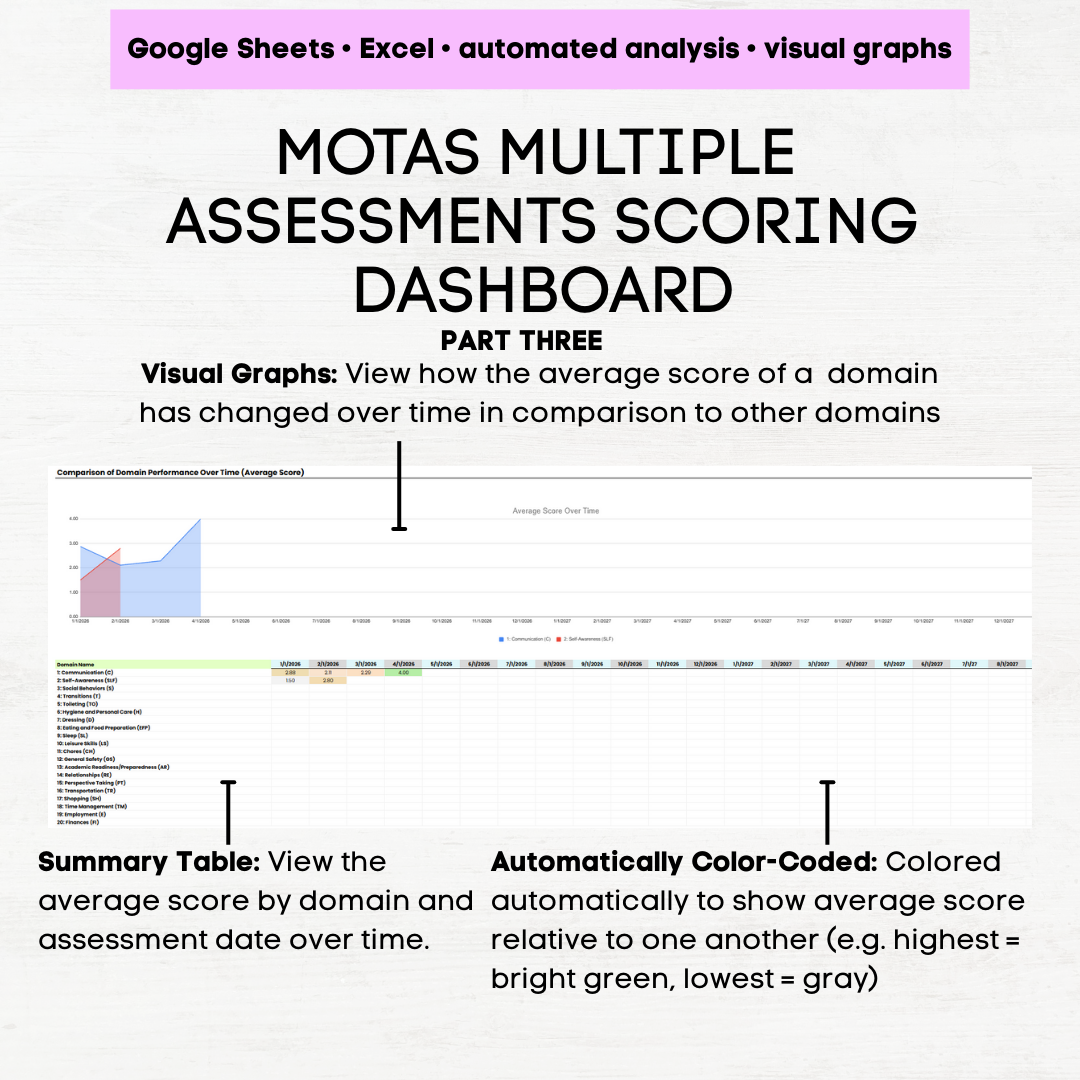 Image 6 of 11
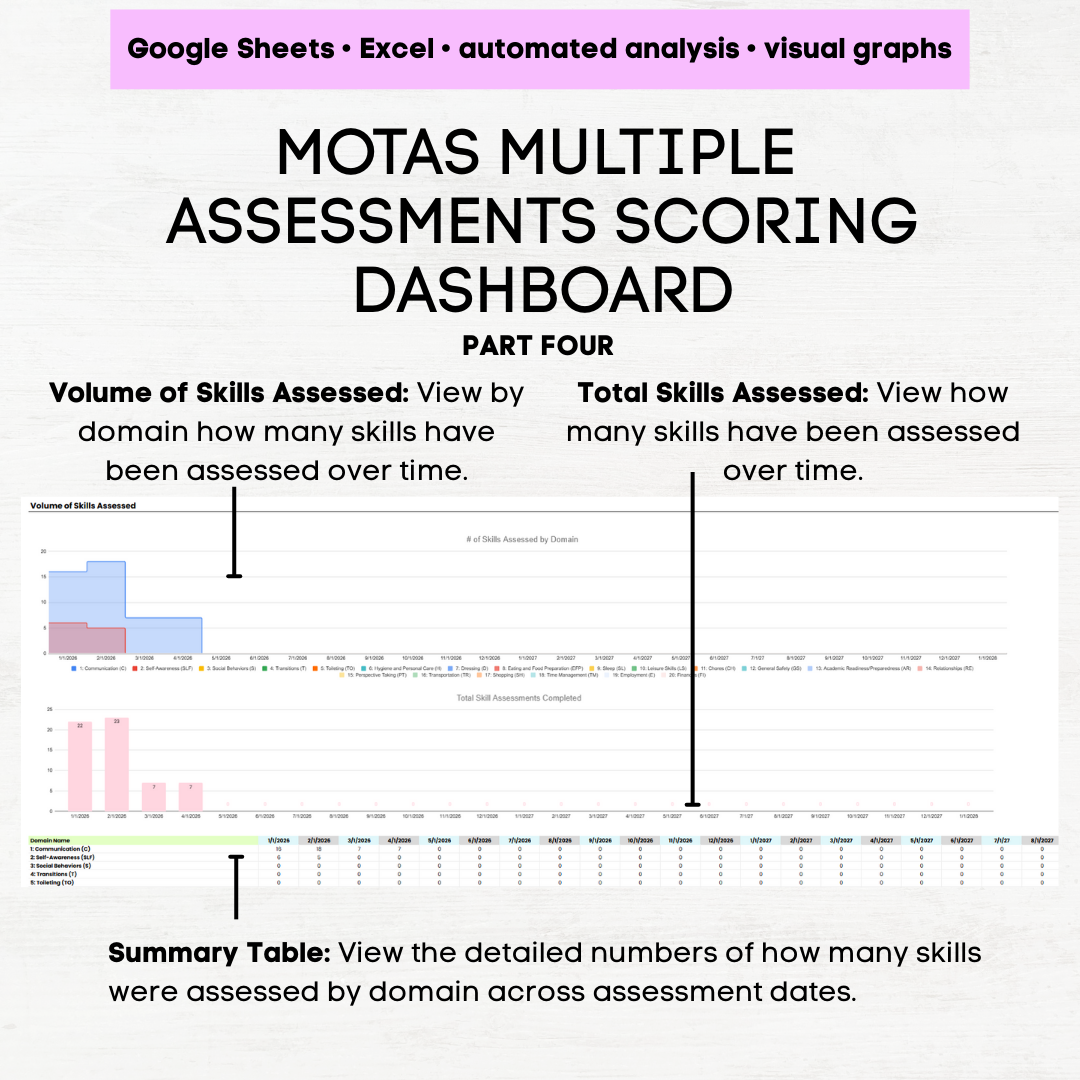 Image 7 of 11
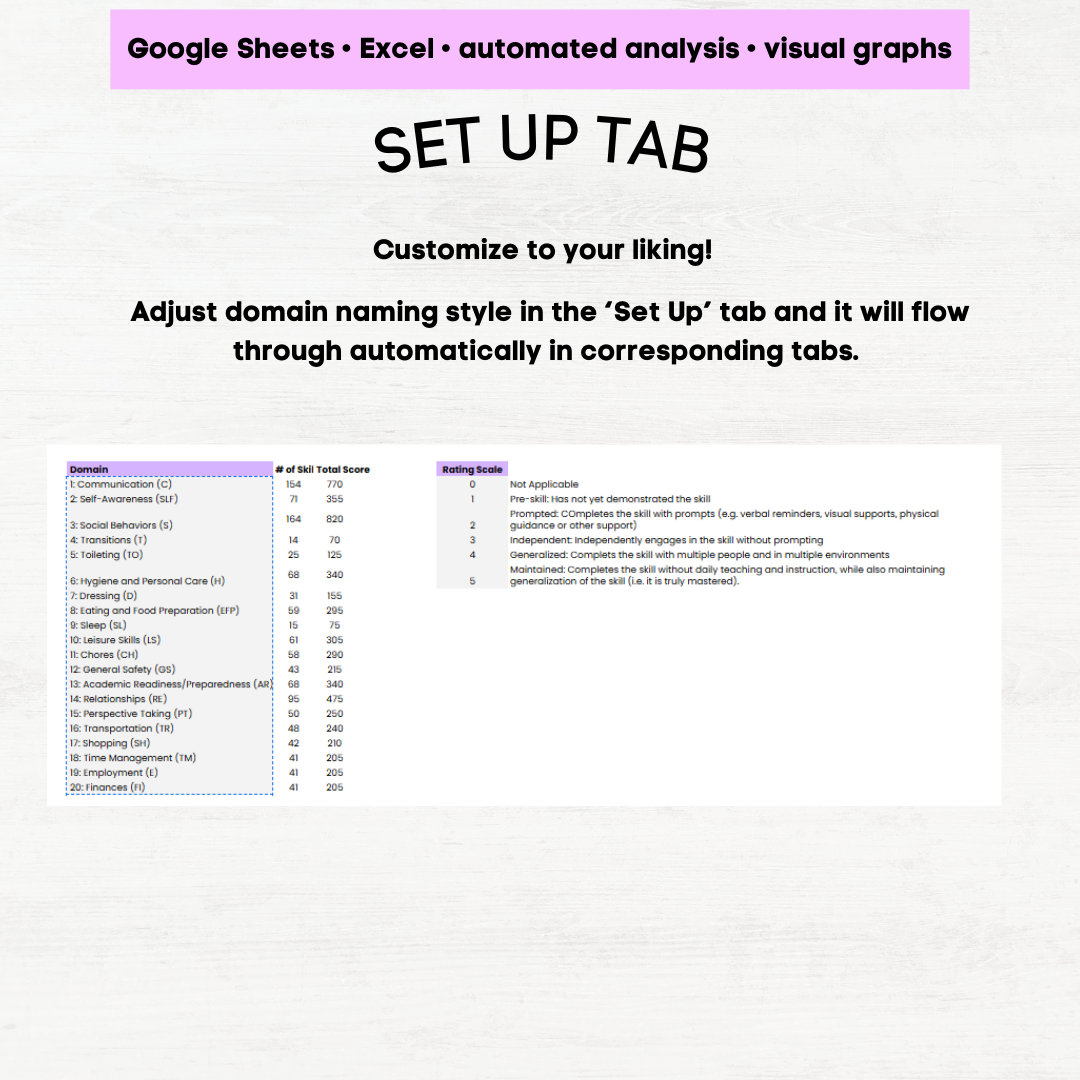 Image 8 of 11
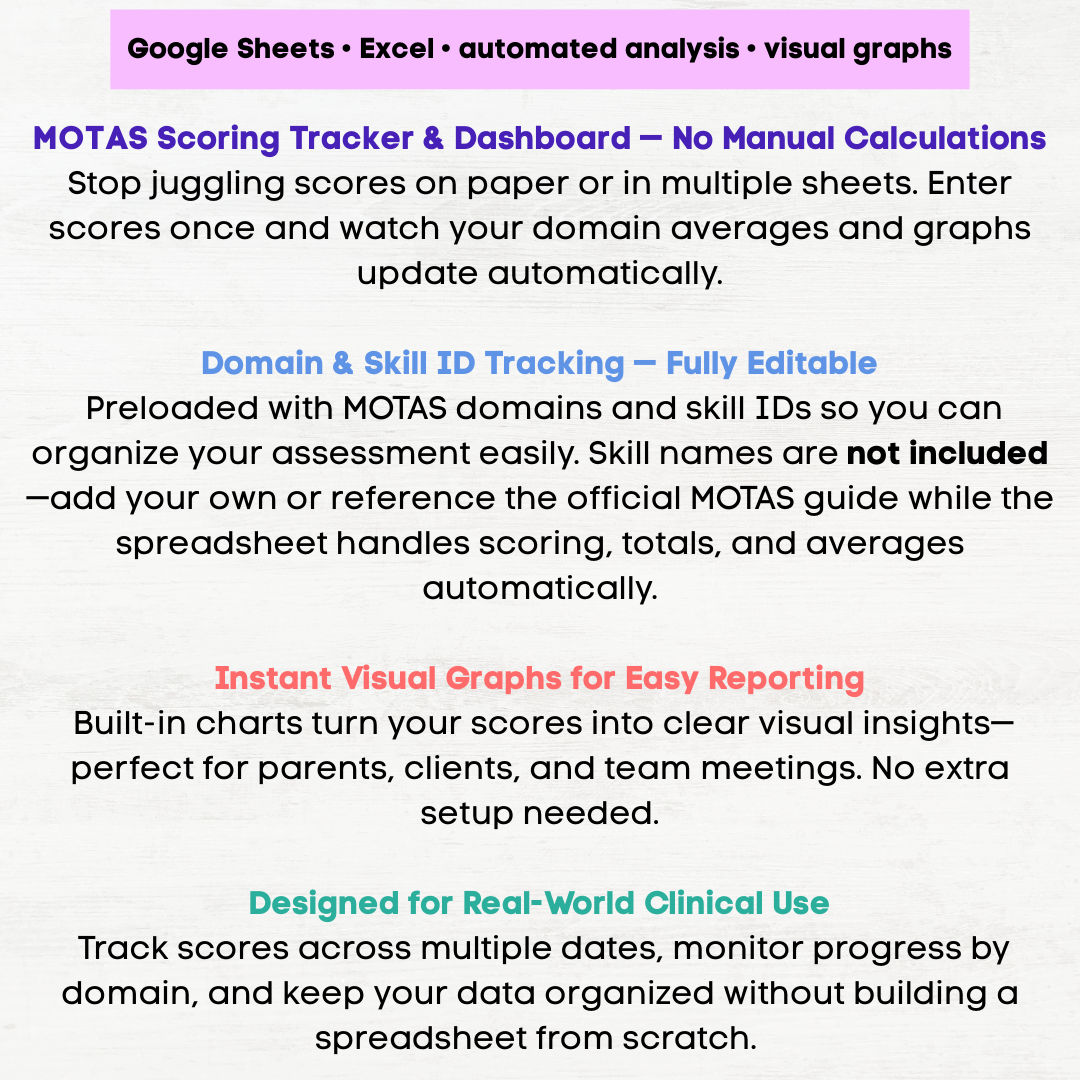 Image 9 of 11
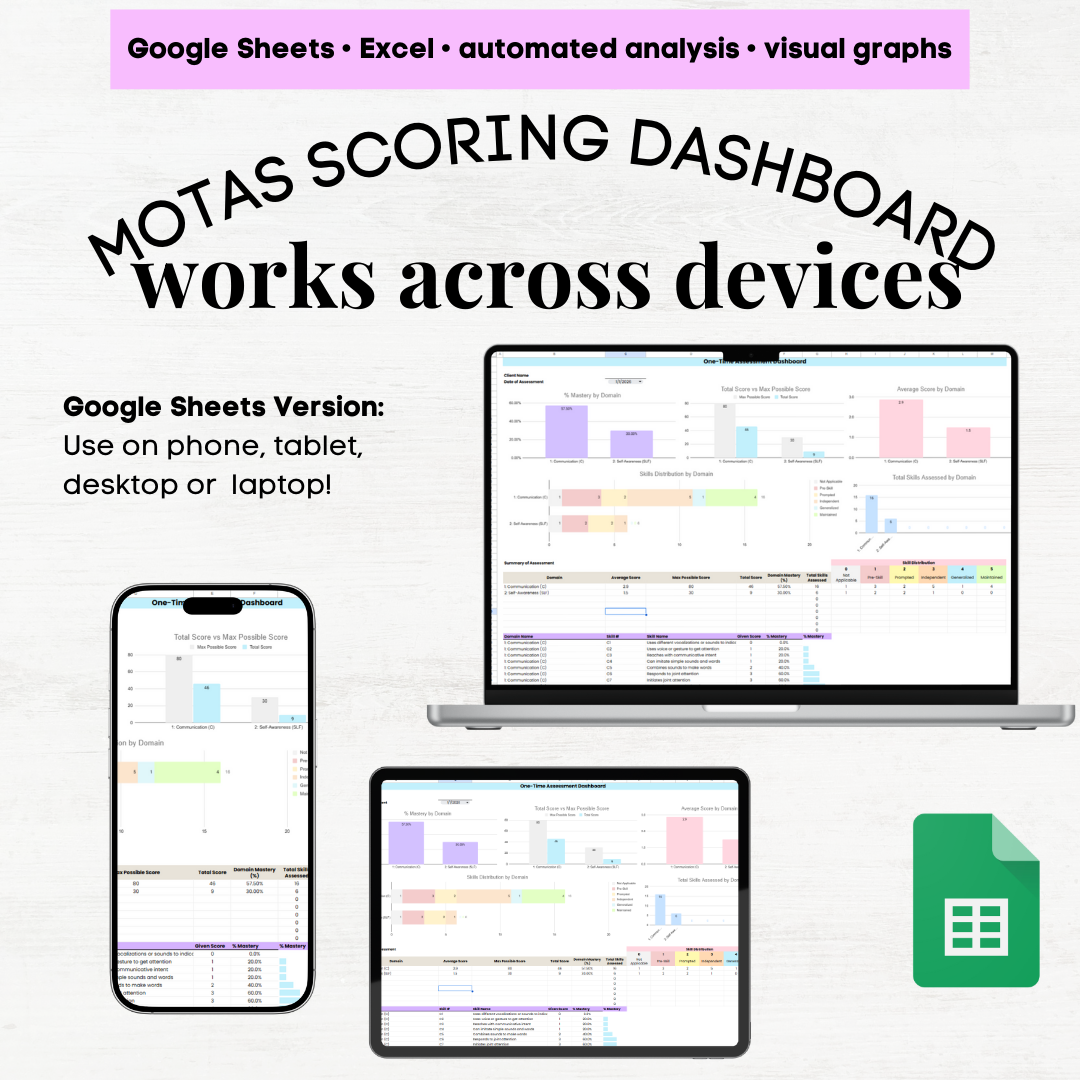 Image 10 of 11
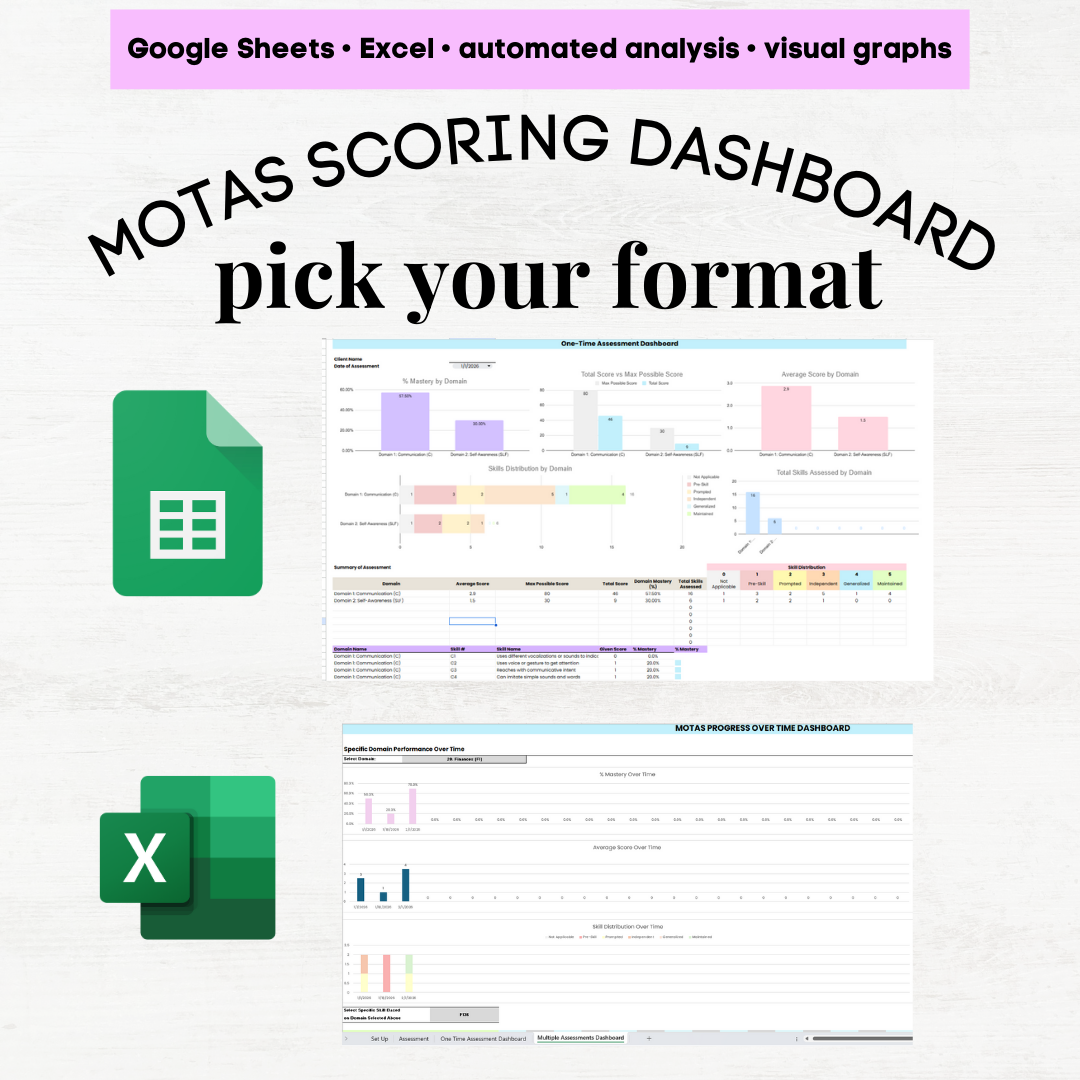 Image 11 of 11